A self-emptying dock is worth paying for when it removes a bin-emptying interruption that happens often enough to annoy you, especially in homes with heavier debris loads or frequent robot runs. The upgrade does not make the robot clean floors better by itself, and it still leaves you with brush, filter, dock, and debris-container maintenance. The right comparison is therefore not premium versus basic, but repeated bin handling versus extra dock space, emptying noise, and possible consumable cost. By the end, you should be able to choose a basic charging dock, a dust self-emptying dock, or a full-service dock from your actual household routine.
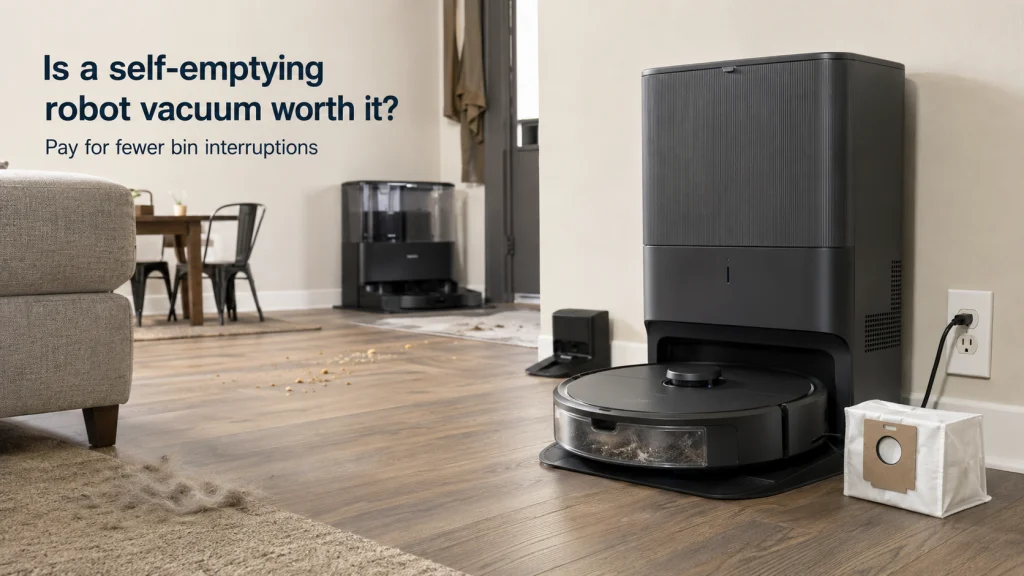
The tiny onboard bin is the interruption that matters
Is a self-emptying robot vacuum worth it? Start with the moment the robot comes back full and needs you, because that is the job the larger dock is supposed to remove. A robot can navigate on its own, follow a schedule, and cover a useful amount of floor, yet a small onboard bin can still turn an automated routine into repeated manual handling. If that interruption happens often in your home, the dock can be a meaningful upgrade rather than a decorative tower beside the wall.
If the onboard bin rarely fills before you would have checked the robot anyway, the calculation changes quickly. You may be paying more for a larger base, giving up more floor space, and accepting a louder emptying cycle without removing much work. That is why I would judge this feature by interruption frequency first and by premium positioning second. If you are still comparing the whole machine rather than only the dock, the robot vacuum buying guide gives the broader buying framework before you decide how much automation to add.
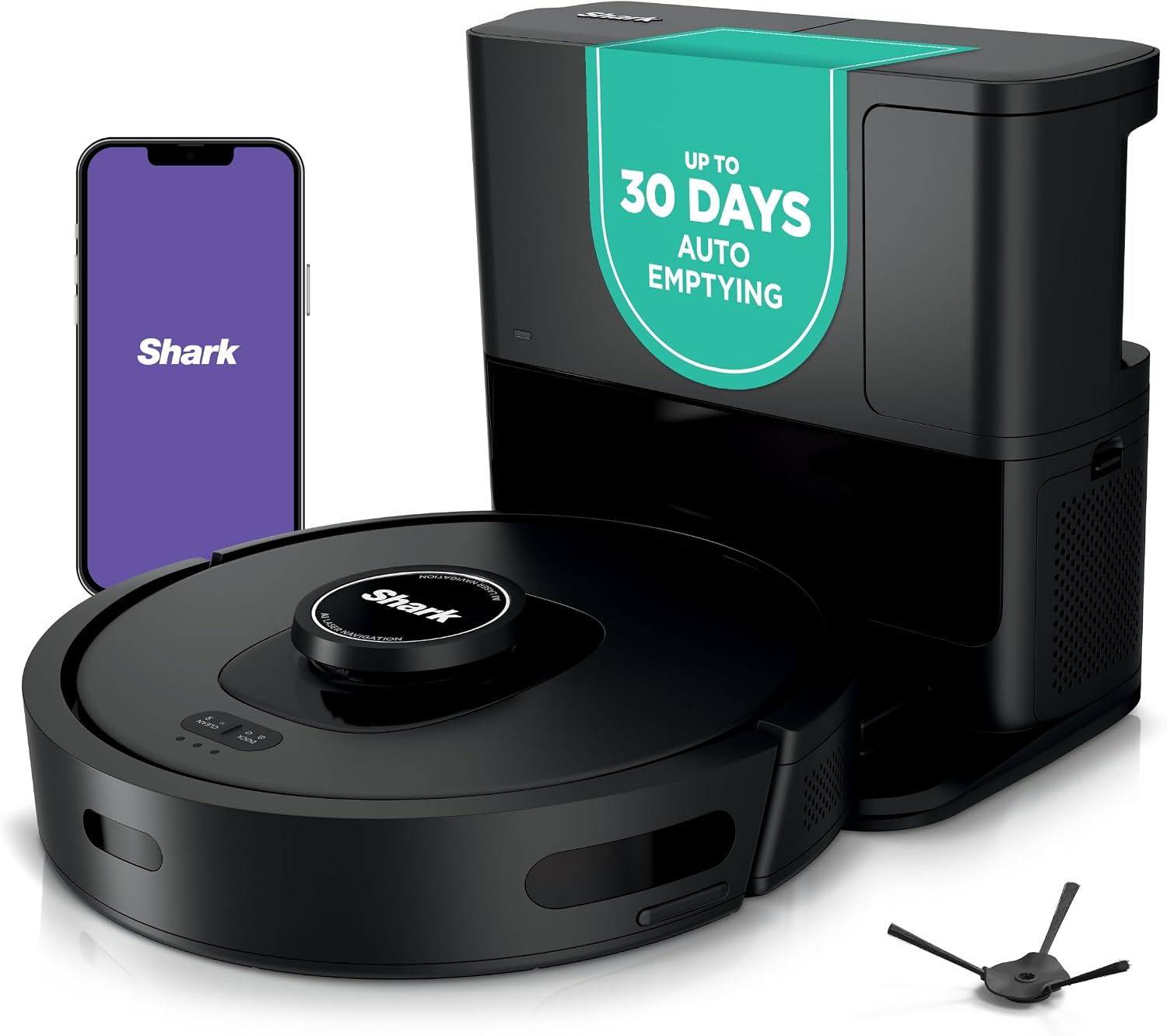
This Shark AI Ultra robot pairs home mapping and Matrix Clean with a bagless HEPA self-empty base. The base is listed with 30-day debris capacity, reducing how often the onboard bin needs direct handling. Wi-Fi connectivity supports an automated cleaning routine while the dock handles collected dry debris.
Check On AmazonIf you click this link and buy, we earn a commission at no additional cost to you.
Define what the self-empty base does and what it does not do
A dust self-emptying base transfers debris out of the robot’s onboard bin and into a larger container in the dock after the robot returns. Depending on the design, that larger container may be a disposable bag or a reusable canister. The practical benefit is not mysterious: you handle the robot’s small bin less often. That can make scheduled cleaning feel more automatic, particularly when the robot collects enough hair, crumbs, grit, or tracked-in debris to fill its onboard bin quickly.
What the base does not do is equally important. It does not automatically improve brush design, navigation, obstacle avoidance, pickup ability, or edge cleaning, and it does not make hair wraps or filter care disappear. A self-emptying dock can reduce one recurring task while the robot still needs ordinary owner-level maintenance. Treat the feature as labor reduction for debris handling, not as proof that the robot itself is a better cleaner.
This distinction also keeps expectations reasonable after purchase. If the robot’s weak point is navigation, tangled hair, poor pickup on your floor type, or an awkward app, a bigger dock will not repair that mismatch. Solve the robot problem first, then decide whether the bin-handling problem is large enough to automate. A useful dock attached to the wrong robot is still the wrong purchase.

This Shark Matrix Plus combines vacuuming and sonic mopping with a HEPA self-empty base. Its 360-degree LiDAR mapping and Matrix Clean system support automated navigation and floor coverage. The self-cleaning brushroll and 45-day self-empty base reduce specific maintenance steps without eliminating routine brush, filter, or mop care.
Check On AmazonIf you click this link and buy, we earn a commission at no additional cost to you.
Estimate how often the bin interrupts your routine
The best predictor is not home size by itself. Think about how much debris reaches the robot on a normal run, how often you schedule cleaning, how much hair the household produces, how much material is tracked in from outside, and how quickly the onboard bin becomes packed. A compact apartment with shedding pets can create more bin pressure than a larger, low-debris home. The useful question is whether the robot regularly asks for attention before you naturally planned to touch it.
Do not rely on a universal emptying schedule because onboard bins, dock logic, debris type, floor coverage, and household routines vary too much. Soft pet hair can occupy space differently from fine dust, while crumbs and grit may add weight without filling the bin in the same way. A newly purchased robot may also collect more accumulated debris at first, then settle into a lighter maintenance pattern after the floors are kept more consistently clean. Measure your own interruptions instead of borrowing someone else’s calendar.
| What to record on normal runs | What the pattern means | What to compare next |
|---|---|---|
| Whether you have to empty the onboard bin before, during, or immediately after a useful run | Repeated bin attention points toward a real self-emptying benefit | Dock fit, debris transfer, and bagged or bagless maintenance |
| How much usable room remains in the bin when you would normally check the robot | Regular spare capacity weakens the case for paying extra only for dust transfer | Core cleaning, navigation, obstacle handling, and budget |
| Whether hair or debris causes brush, intake, or filter attention before the bin fills | The onboard bin is not the main point breaking automation | Brush design, intake path, filter access, and owner cleaning steps |
| Whether mopping already brings you back to the robot for pad or water handling | Dust emptying alone may remove only a small part of the manual routine | Whether a full-service dock addresses the tasks you actually repeat |
Use the table by watching several normal cleaning runs without changing your routine just for the test. Record what actually makes you touch the robot, not what a feature list says should matter, and notice whether the onboard bin is the first recurring interruption or merely one task among several. If bin handling repeatedly breaks otherwise independent cleaning, self-emptying has a clear job to do. If another maintenance step gets there first, the larger dock may be solving the wrong problem.
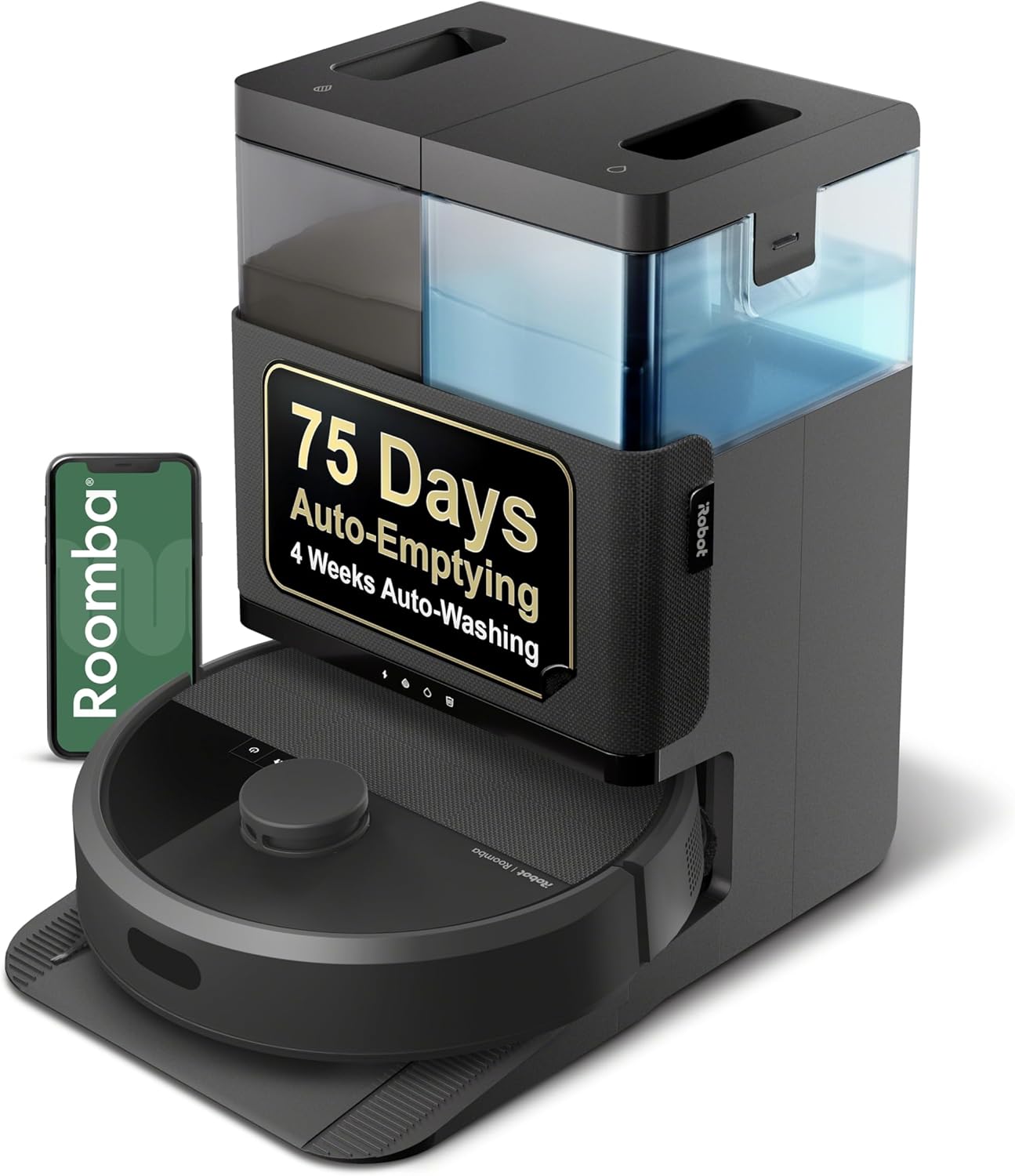
This Roomba Plus 405 combines vacuuming and mopping with an AutoWash dock. Amazon lists self-emptying for up to 75 days, reducing how often collected debris needs direct handling. Smart and fast mapping supports automated cleaning while the dock also washes and dries the dual spinning mop pads.
Check On AmazonIf you click this link and buy, we earn a commission at no additional cost to you.
One-level and multi-floor homes value the dock differently
A self-emptying dock is most seamless when the robot can finish a cleaning area and return to that dock without being carried. On one level, the base can sit inside the robot’s normal route and take over debris transfer whenever the model is designed to use it. That makes the dock part of the cleaning loop rather than a separate destination you manage by hand. The more often the robot can return on its own, the more completely the feature removes the bin interruption.
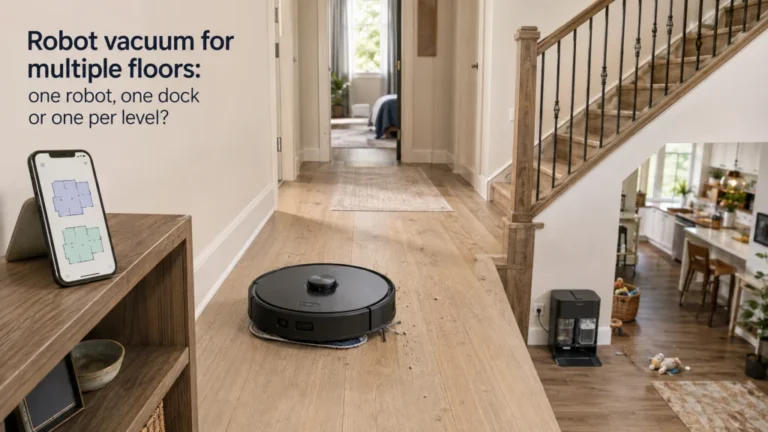
On multiple floors, the value can weaken if one dock serves several levels. A robot carried upstairs may clean successfully there, but it cannot use a downstairs dock until you bring it back, so the dock does not eliminate every manual handoff. For a light upstairs run, that may not matter at all; for a debris-heavy level, the onboard bin may become the limiting factor before the robot ever reaches its base. The more your decision depends on carrying, map behavior, and dock access across levels, the more useful it is to separate that question from the basic self-emptying decision.
For that layout problem, use the dedicated article on using a robot vacuum on multiple floors. The self-empty feature still has value, but only on the levels where the robot can actually make use of the base without your help. Do not pay for theoretical automation that your floor plan prevents from happening. If carrying the robot is already part of the routine, include that handoff in the value calculation instead of pretending the dock eliminates it.
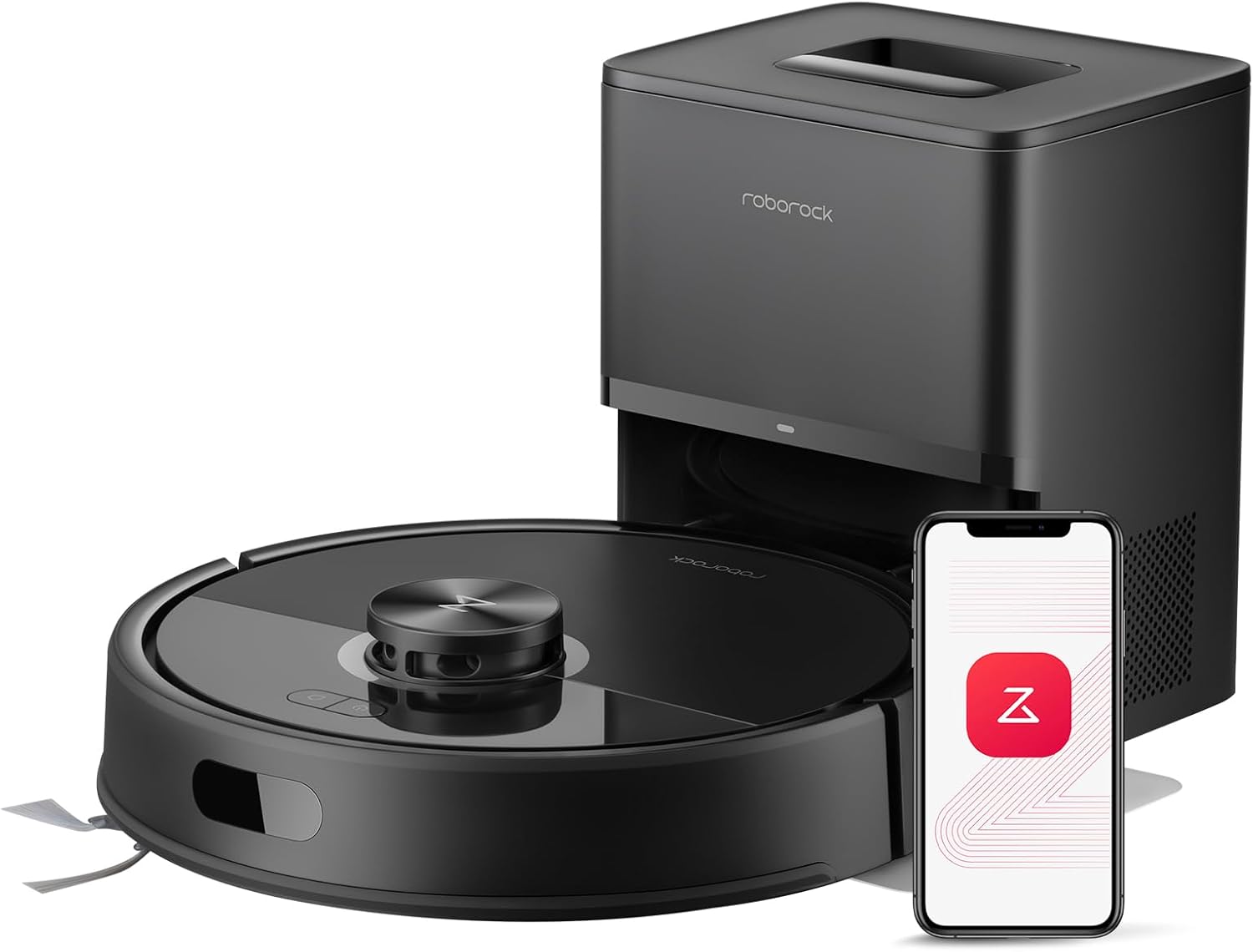
This Roborock Q7 M5+ uses PreciSense LiDAR navigation and app control for mapped cleaning. Its multi-level mapping system recognizes different floors after the robot is placed on them. The package includes an auto-empty dock, while the robot also combines vacuuming and mopping.
Check On AmazonIf you click this link and buy, we earn a commission at no additional cost to you.
Bagged and bagless bases trade different kinds of maintenance
Current self-emptying systems are not all built around the same debris container. Bagged docks move dirt into a disposable bag that you remove and replace, while bagless docks collect debris in a reusable canister that you empty and keep clean. Both reduce how often you handle the robot’s small onboard bin. The difference is what happens later, when the larger dock container finally needs attention.
A bagged base turns disposal into a replacement-consumable routine. A bagless base removes that specific consumable but brings you back to a canister that must be emptied, checked, and maintained according to the exact model’s instructions. Neither design is maintenance-free, and neither should be chosen from a marketing label alone. Look at how the container opens, how easy it is to access, what filters or seals are owner-serviceable, and what the manufacturer requires for cleaning or replacement.
- Choose bagged when you prefer replacing a contained debris bag over dumping a reusable dock canister.
- Choose bagless when avoiding recurring disposal bags matters more than the extra canister handling.
- Check exact replacement-bag compatibility before assuming a generic bag will fit.
- Check the manual before washing any dock bin, filter, seal, or internal component.
That last point matters because two bases that look similar can have different serviceable parts and cleaning rules. The dock is an appliance component with its own airflow path, filters, seals, and sensors, not just a large trash box. Base the maintenance choice on the exact system you are considering. If a cleaning step or replacement interval differs by model, the manual should override a generic habit learned from another dock.

This Shark AI Ultra uses a 60-day bagless self-empty base rather than disposable debris bags. It combines 360-degree LiDAR home mapping with Matrix Clean and a self-cleaning brushroll. Wi-Fi and Alexa compatibility add remote control options while the bagless dock handles collected debris.
Check On AmazonIf you click this link and buy, we earn a commission at no additional cost to you.
The dock has to earn the floor space it occupies
A basic charging dock can be visually and physically easy to ignore, while a self-emptying base usually adds a larger upright body around the charging point. That extra volume matters in narrow hallways, small apartments, crowded utility areas, and rooms where the only convenient wall space sits near a doorway or furniture edge. The robot also needs a practical approach path so it can dock reliably. Measure the actual base and the surrounding clearance required by the exact model before assuming it will tuck into the same spot as a small charger.
Think beyond whether the base technically fits between two objects. You need enough access to remove a dust bag or canister, open any lid or service panel, reach filters, and clean the area around the dock without dragging the whole setup into the room. A dock that fits only when every maintenance action becomes awkward is not a good fit. Floor space is part of the purchase price, especially in a room where that space is already doing another job.
| Placement check | Why it matters |
|---|---|
| Base width, depth, and height | Confirms the dock itself fits the intended location |
| Robot approach path | Reduces the chance that furniture or traffic blocks docking |
| Access to the debris container | Lets you remove a bag or canister without relocating the dock |
| Access to filters and serviceable parts | Keeps routine maintenance from becoming a furniture-moving job |
| Nearby household traffic | Helps you judge whether the larger base will become an obstacle |
A smaller home does not automatically rule out self-emptying, but it makes the space trade-off more visible. If the dock solves a frequent bin problem, the footprint may be easy to justify. If the bin rarely bothers you, that same tower can feel like a large object dedicated to solving almost nothing. Measure first, then decide whether the saved handling is worth surrendering that particular patch of floor.

This STANLEY 33-425 tape measure provides a 25-foot measuring range for checking a dock location. Use it to record the available width, depth, height, and approach space before choosing a larger self-empty base. Those room measurements can be compared directly with the dimensions and clearance requirements of the exact dock under consideration.
Check On AmazonIf you click this link and buy, we earn a commission at no additional cost to you.
Expect a brief but noticeably louder emptying event
The self-empty cycle uses stronger airflow in the dock to pull debris out of the robot, so the sound is different from the quieter background hum many people expect from routine robot cleaning. Independent worth-it testing and reviews consistently flag this emptying event as one of the ownership trade-offs. It is brief, but it can be abrupt enough to matter in open living spaces, near work areas, or around household members who are sensitive to sudden appliance noise. The relevant question is not whether the robot is generally quiet, but whether the dock’s emptying event fits where and when you plan to run it.
Software settings can vary, so do not assume every model lets you delay, suppress, or customize automatic emptying in the same way. If noise timing matters, verify the exact app controls and manual before buying. A base positioned near a bedroom wall, desk, or television area may be technically convenient but behaviorally annoying. Placement and scheduling should be judged together.
This is a good example of why the feature should be judged as a household workflow choice. You are trading many small bin-emptying interactions for a more automated but more noticeable dock event. For some homes that trade is excellent; for others, a basic charger is calmer and sufficient. The better choice is whichever version fits the routine without making the room harder to live in.

This TOPTES TS-501B measures sound levels from 30 to 130 dB with A and C weighting. The 2.25-inch backlit display includes maximum, minimum, and data-hold functions. It provides a practical way to compare the robot’s normal running sound with the dock’s brief self-emptying event in the intended room.
Check On AmazonIf you click this link and buy, we earn a commission at no additional cost to you.
Recurring bag cost matters only when the dock actually uses bags
Once you have chosen a bagged base, the useful cost question is not whether bags exist, but what they add to ownership over the time you expect to keep the robot. Replacement bags belong beside filters, brushes, and other consumables in the purchase calculation rather than being ignored because they are bought later. The exact expense depends on the compatible bag and how quickly your household fills it, so a universal monthly figure would be misleading. Check the current replacement option for the exact base and decide whether that ongoing purchase feels reasonable for the amount of bin handling the dock removes.
This is also where a low purchase price can hide a less attractive ownership pattern. A discounted self-emptying package may still be the wrong value if its required consumables are hard to source, unusually expensive for your budget, or likely to become one more item you resent stocking. Conversely, a household with heavy debris collection may consider the same recurring cost modest because the dock is preventing frequent direct bin handling. The number only makes sense beside the workload it replaces.
If the dock is bagless, skip this particular cost line rather than inventing an equivalent bag expense. You still need to account for the canister, filters, and other maintenance the exact system requires, but those belong under maintenance rather than replacement-bag spending. Keeping those categories separate makes the comparison cleaner. It also prevents a bagged-versus-bagless preference from being counted twice in the decision.
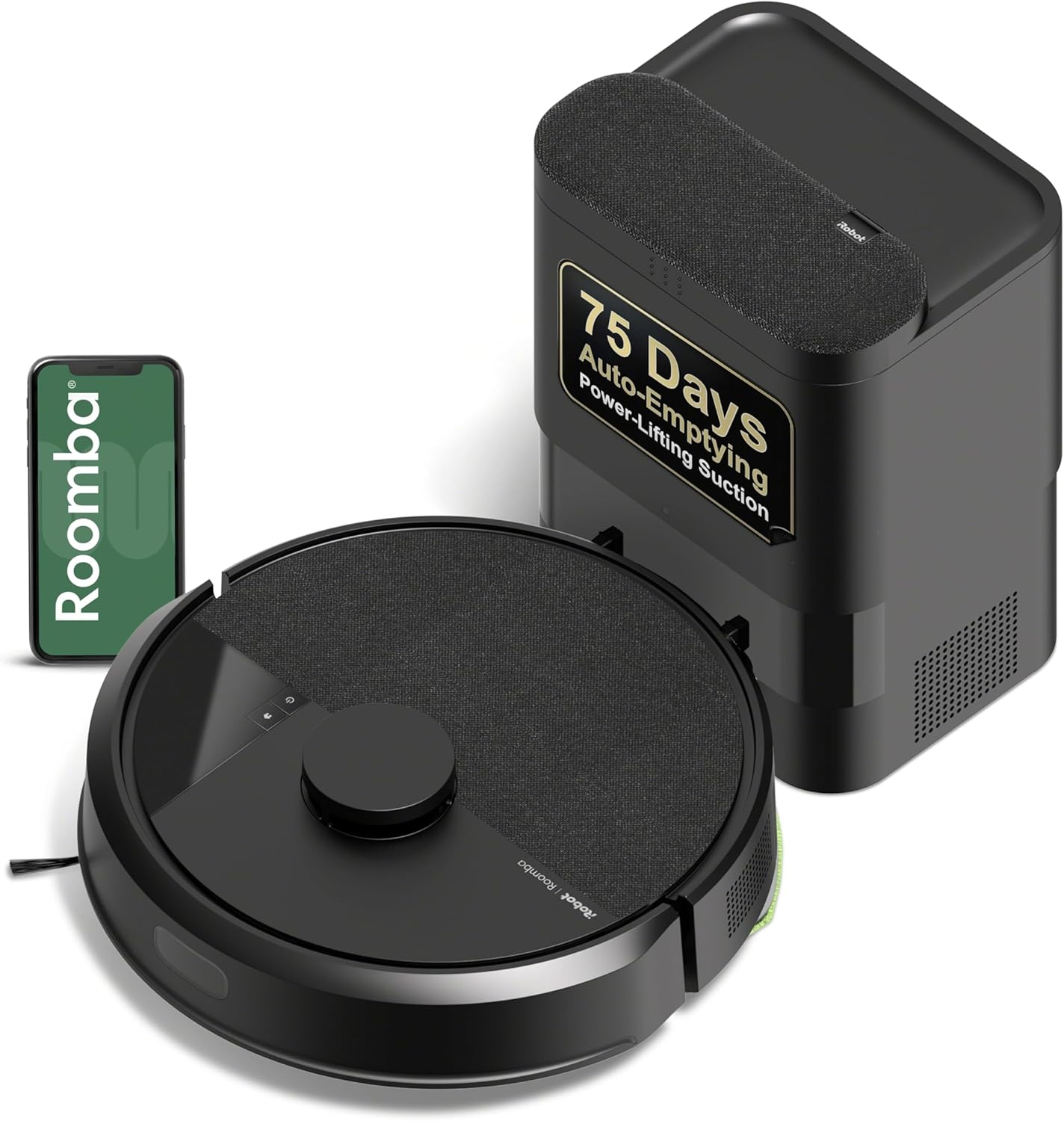
This Roomba 105 Vac uses an AutoEmpty dock with a disposable debris bag. Amazon lists up to 75 days of hands-free debris storage before the dock bag needs owner attention. ClearView LiDAR navigation maps the home while the dock turns dry-debris disposal into a replacement-bag maintenance routine.
Check On AmazonIf you click this link and buy, we earn a commission at no additional cost to you.
Dust self-emptying is not the same as mop washing, drying, and refilling
A dust self-emptying dock solves one job: moving dry debris out of the robot’s onboard bin. Full-service docks can add separate functions such as washing mop pads, handling clean and dirty water, drying pads, or refilling a robot’s water system. Those features can reduce different kinds of manual work, but they also add tanks, cleaning surfaces, maintenance steps, and a larger physical system. Do not treat every tall dock as if it performs the same set of jobs.
This distinction becomes especially important if you already expect to handle water or mop pads frequently. In that routine, manually emptying the dustbin may be only a small extra step, which can reduce the value of a dust-only self-emptying upgrade. On the other hand, a full-service dock may remove several repeated tasks at once and therefore justify more space for a household that uses mopping heavily. The correct comparison is task by task, not basic versus premium.
If wet-cleaning automation is central to your decision, the separate article on robot vacuum and mop systems keeps the water, pad, and dock architecture from getting mixed into a dust-only question. Verify each claimed dock function on the exact model because one base may self-empty only, while another may also wash, dry, or refill. A feature name like “all-in-one” is not precise enough to prove what maintenance it actually removes. Read the listed dock functions individually and match them to the tasks you are trying to stop doing by hand.
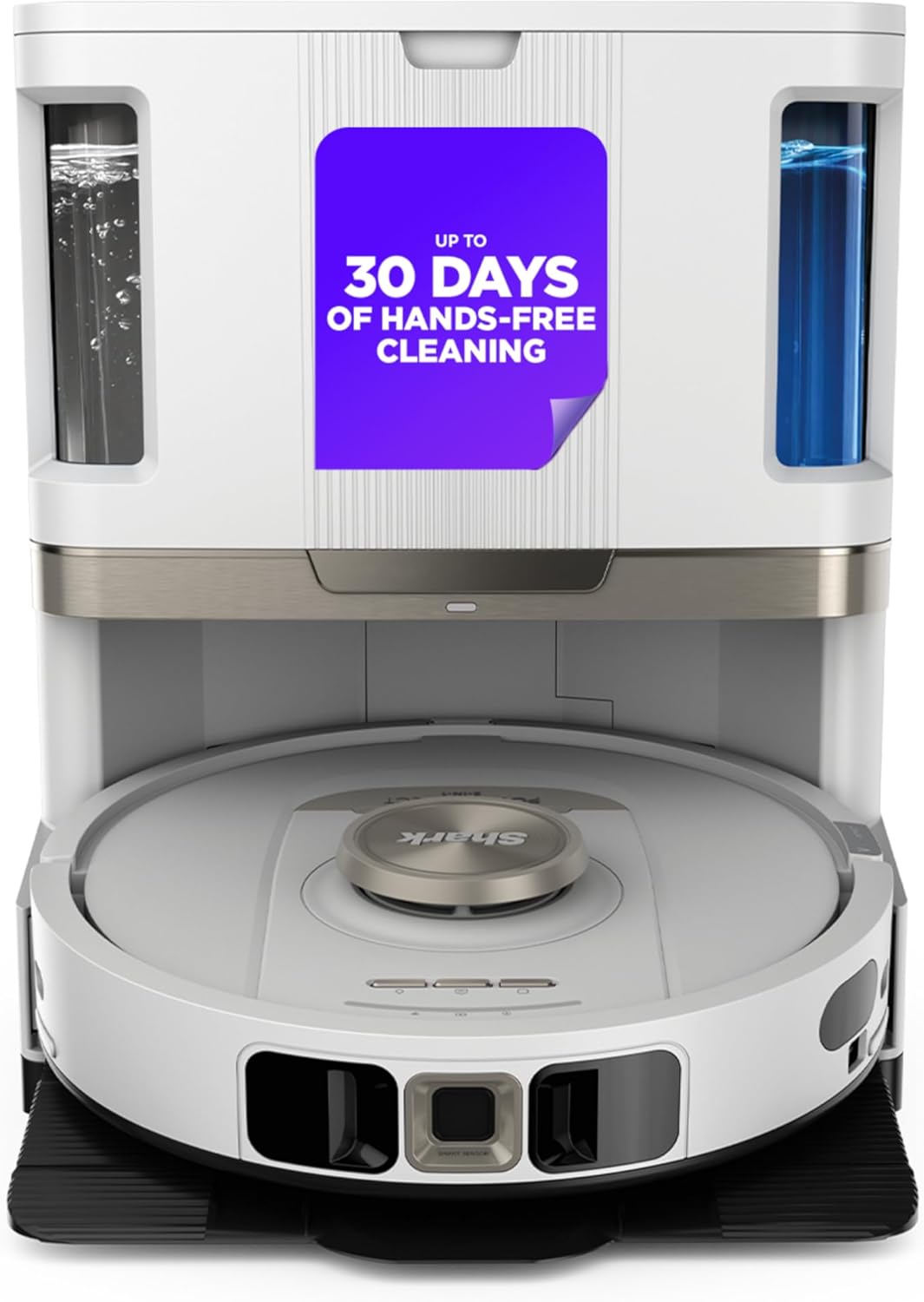
This Shark Stratos uses a NeverTouch base that automatically empties dry debris into a bagless bin. The dock is listed with 60-day debris capacity and also refills water and washes and dries the mop. Its 360-degree LiDAR navigation supports automated cleaning while the dock removes several recurring handling steps.
Check On AmazonIf you click this link and buy, we earn a commission at no additional cost to you.
Choose among self-empty, basic dock, and full-service dock from the work removed
The decision becomes much cleaner once you stop treating self-emptying as a badge of robot quality. A self-empty dock makes sense when the onboard bin is a frequent interruption and the larger base fits without creating a new placement problem. A basic dock is enough when debris volume is light, the bin is easy to empty, or the money and floor space would be better spent on the robot’s core cleaning and navigation. A full-service dock belongs in the conversation only when dust emptying is not the only repeated task you want to automate.
If you are asking whether an auto-empty robot vacuum is worth it, this is the most useful shortcut: count the interventions the dock actually removes from your routine. Then subtract the new burdens it creates, including footprint, noise, bag replacement if applicable, and dock maintenance. The result is a household fit decision, not a universal ranking. More automation is valuable only when it targets the work you would otherwise keep doing.
| Your routine | Best starting point | Verify before buying |
|---|---|---|
| Frequent debris collection makes the onboard bin a recurring interruption | Self-emptying dock | Base fit, emptying behavior, bagged or bagless maintenance |
| Light debris load and easy manual bin access | Basic charging dock | Onboard bin access, core cleaning ability, navigation, storage |
| Dust emptying plus repeated mop-pad or water handling bothers you | Full-service dock | Exact wash, dry, refill, tank, and maintenance functions |
If you are still choosing the robot itself, compare current robot vacuum options only after you know which dock class fits your routine. That order keeps the purchase focused on useful functions rather than letting a premium dock pull you toward a robot that is otherwise a poor match. Core pickup, navigation, obstacle handling, and floor compatibility still deserve their own judgment. The dock should support a good robot choice, not rescue a weak one.
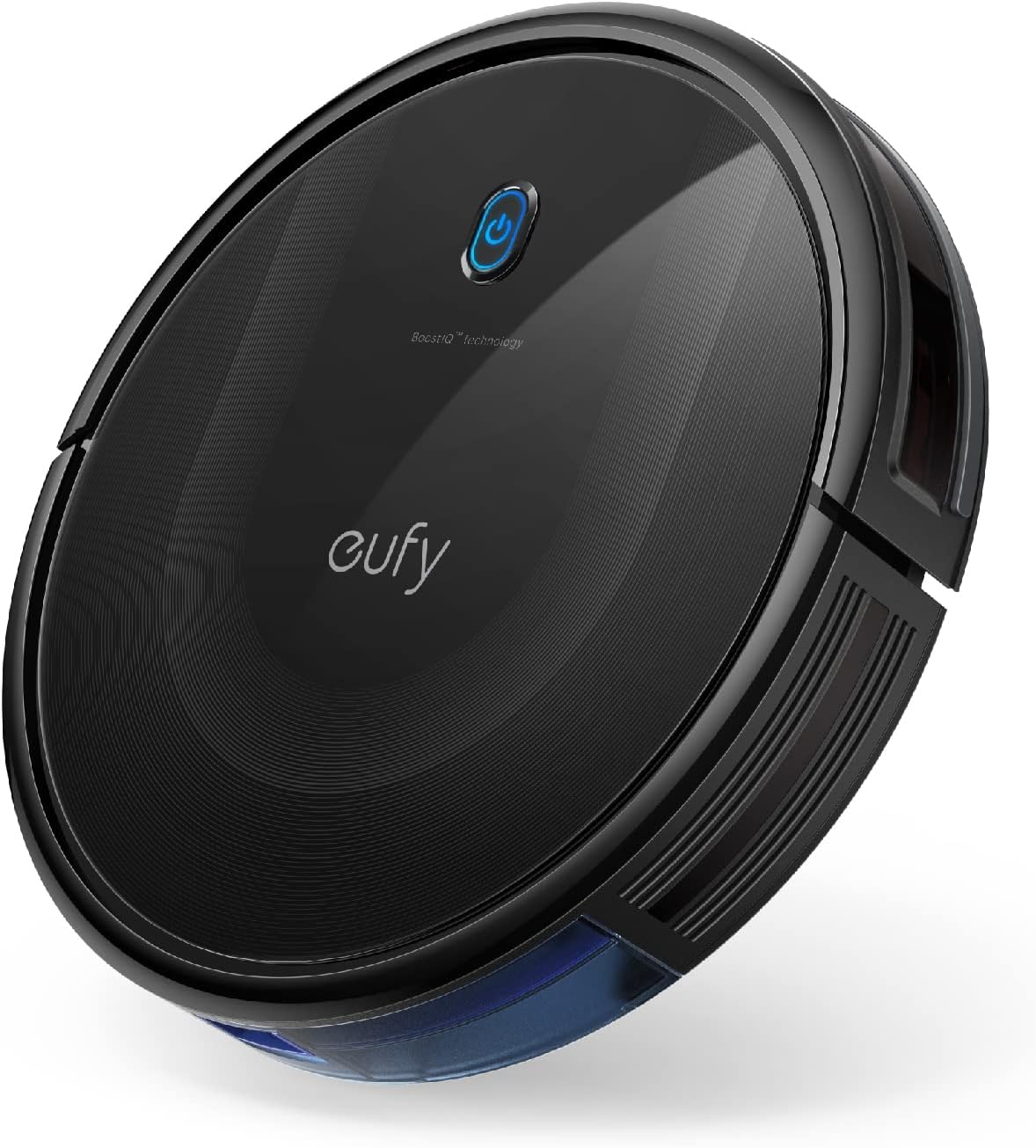
This eufy 11S MAX is a self-charging robot vacuum for hard floors through medium-pile carpets. Its Amazon listing centers on automatic return-to-charge behavior rather than a self-emptying tower. The slim design provides a straightforward basic-dock comparison against larger self-empty and full-service systems.
Check On AmazonIf you click this link and buy, we earn a commission at no additional cost to you.
Keep floor-layout and mopping questions in their own decision lanes
Self-emptying becomes confusing when several ownership problems get bundled together. A multi-floor home asks whether the robot can reach its dock from the level it is cleaning, while a mop-focused household asks whether pad washing, drying, water handling, or refilling should also be automated. Those are related to the dock, but they are not the same decision as dust-bin automation. Keeping them separate prevents a feature-rich base from looking automatically necessary.
Use the home cleaning appliance section when the robot choice overlaps with broader floor-care equipment, especially if you are deciding which jobs should stay with another vacuum. A self-emptying base still does not handle stairs, guarantee edge pickup, or remove ordinary brush and filter maintenance. Those limits matter because they define what remains on your cleaning list after the dock is installed. Route the floor-layout and mop questions separately, then judge the dust dock only for the job it actually performs.

This BISSELL Pet Hair Eraser is a cordless hand vacuum designed for home, auto, and pet cleanup. Its lithium-ion battery supports portable use, and the listing specifically calls out upholstery pet-hair pickup. It can handle stairs, furniture, and other targeted areas that remain outside a robot vacuum dock’s automated floor-cleaning loop.
Check On AmazonIf you click this link and buy, we earn a commission at no additional cost to you.
Final thoughts: pay for self-emptying when the bin is the bottleneck
A self-emptying robot vacuum makes the strongest case when normal runs show that the onboard bin is the part most often pulling you back into the routine. Pets, heavier tracked-in debris, frequent cleaning, and limited onboard capacity can all create that pattern, but none of them proves it on its own. Confirm that the robot can reach the dock from the areas it cleans and that the larger base fits where you can service it comfortably. If the bin seldom demands attention, a basic charging dock leaves more money and space for features that affect the robot’s core job.
Then account for what ownership of the larger base adds: a louder emptying event, more floor space, dock maintenance, and replacement bags when the chosen system uses them. If water tanks and mop pads create more friction than dry debris, a full-service dock may be the more coherent upgrade because it targets a different set of chores. The useful endpoint is not maximum automation. It is a setup whose extra hardware matches the specific interruptions your household wants to stop handling.

This Shark AV2501AE pairs LiDAR navigation with an XL HEPA self-empty base. The bagless dock is listed with 60-day debris capacity, directly targeting repeated onboard-bin handling. Wi-Fi and Alexa compatibility support scheduled or remote cleaning while the self-empty base handles collected dry debris.
Check On AmazonIf you click this link and buy, we earn a commission at no additional cost to you.
FAQs
🗑️ Do I still have to empty a self-emptying robot vacuum?
Yes. The dock moves debris into a larger bag or canister, but that container still needs owner attention. You also still need to maintain the robot’s brushes, filters, wheels, and other serviceable parts according to the exact manual.
🐕 Is self-emptying worth it for homes with pets?
It can be, especially when pet hair fills the onboard bin often enough to interrupt useful runs. Check whether hair is actually filling the bin or instead wrapping around brushes, because a self-emptying dock only solves the first problem.
🏠 Does a self-emptying base help in a multi-floor home?
Only on the levels where the robot can reach the dock without being carried. If one base serves several floors, you may still have manual handoffs that reduce the value of the feature.
💰 Do all self-emptying docks require replacement bags?
No. Current designs include both bagged and bagless bases. Verify the exact dock before budgeting for consumables because container design and compatible replacement parts vary by model.
References and sources
- Tom’s Guide self-emptying analysis: Supports the convenience, dock-size, noise, and dust-transfer trade-offs discussed in the article.
- SharkNinja self-empty robot vacuum information: Confirms that current self-emptying docks can use a bagless debris canister rather than disposable bags.
- Roborock multifunction dock information: Confirms that a current dock can combine dust emptying with separate mop-washing and drying functions.