Choose a robot vacuum by starting with your floors, clutter, stairs, pets, dock location, and maintenance tolerance instead of suction or AI labels. Navigation, obstacle avoidance, mopping, and dock automation solve different problems, so buying all of them does not automatically make a robot more useful. The practical goal is to reduce repeated interventions such as rescues, carrying, emptying debris, washing mop parts, or clearing blocked routes. You should know which capabilities deserve your budget and which questions need a deeper comparison.
Start with the home, not the feature wall
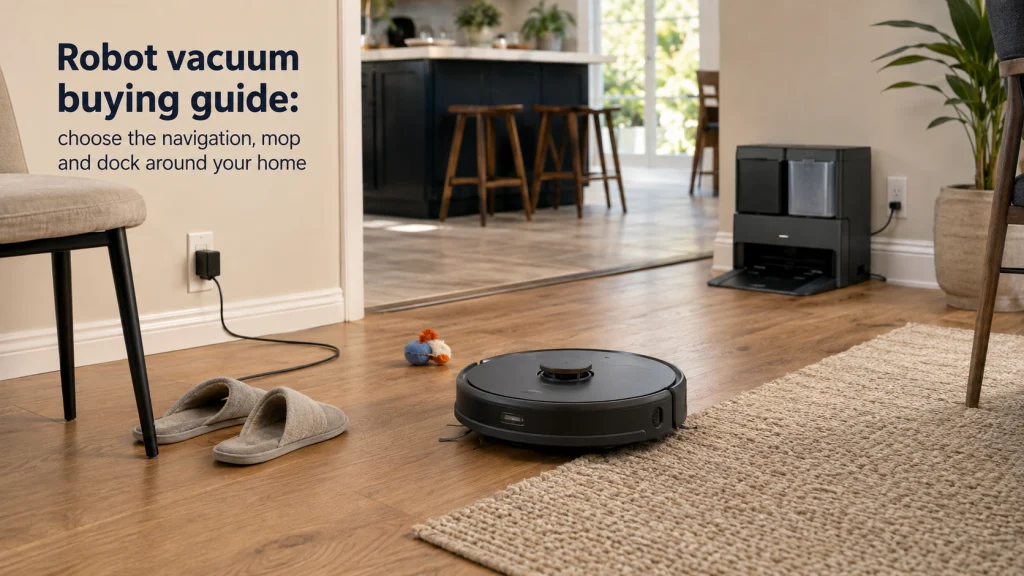
A robot vacuum buying guide is more useful when the first question is not how many Pascals, cameras, maps, or dock functions a machine advertises. Start with the path it must travel: hard floor or carpet, open rooms or chair legs, clean walkways or cords and toys, one level or several. Those conditions decide whether navigation, obstacle avoidance, mopping, or a larger service dock will save work. Robot vacuum features matter only after the home gives them a job.
Think in terms of interventions. If you repeatedly clear the same cable, rescue the robot from a rug edge, carry it upstairs, empty debris, or clean a dock tray, the system is not equally automated just because it maps rooms. Independent testing also separates navigation from obstacle avoidance because efficient coverage is not the same as handling socks, shoes, cords, and other low objects. That distinction is more useful than treating every smart-navigation label as interchangeable.
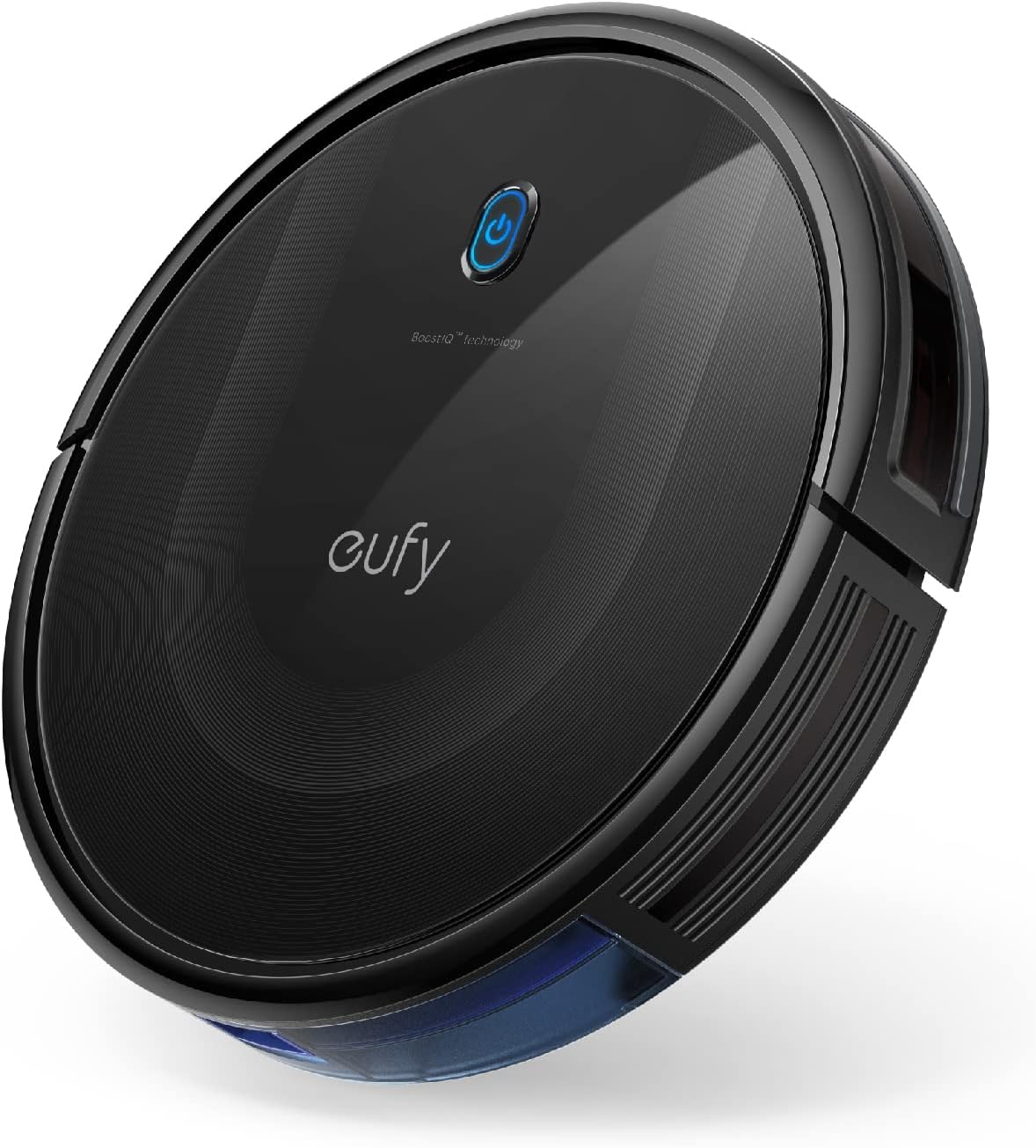
The eufy 11S MAX is a slim, self-charging robot vacuum designed for hard floors and medium-pile carpets. Its straightforward cleaning role makes it a useful example when matching a robot to floor type and furniture clearance before chasing premium features. The listing also describes it as quiet and easy to use.
Check On AmazonIf you click this link and buy, we earn a commission at no additional cost to you.
Keep the job inside autonomous floor maintenance
Choosing a robot vacuum gets easier once the decision stays focused on autonomous floor maintenance, including robot vacuums, robot vacuum-mop combinations, charging docks, and service docks that automate some debris or mop handling. It does not replace the wider decision about which cleaning equipment belongs in the house. If you are still comparing robots with uprights, canisters, sticks, or other manually operated machines, start with the different types of vacuum cleaners and the jobs they suit. For the wider equipment decision, home cleaning appliances keeps the choices in their proper lanes.
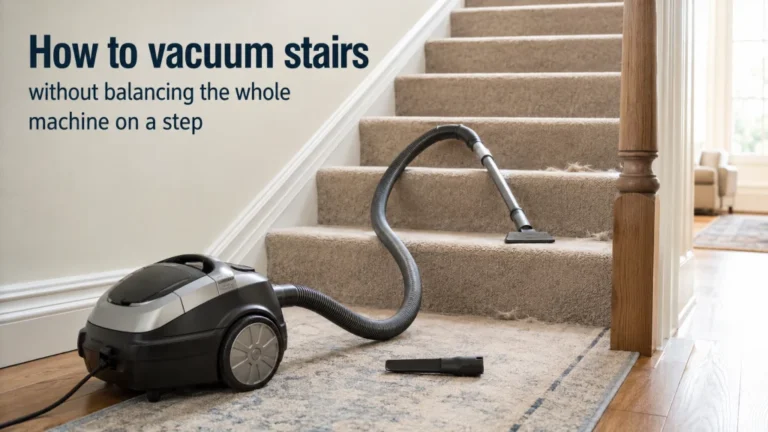
That boundary matters because a robot lives on the floor and must reach an area before it can clean it. Stairs, upholstery, vehicle interiors, deep spot cleaning, and many awkward edges still belong to other tools. A robot can reduce routine floor work without becoming the only cleaning machine a household needs. Judge it as a system for repeated floor maintenance, then decide whether that system removes enough recurring work to justify its space, maintenance, and cost.

This cordless handheld vacuum is built for compact home and car cleanup where a floor robot cannot work. It includes a crevice tool, rotating nozzle, and charging station for targeted cleaning in tighter areas. That makes it a practical companion tool for jobs outside autonomous floor maintenance.
Check On AmazonIf you click this link and buy, we earn a commission at no additional cost to you.
Decide whether a robot belongs in your routine at all
The strongest case for a robot is repeated floor debris combined with a route the machine can travel without constant rescue. A mostly open level with recurring crumbs, dust, or pet hair is different from a small space full of loose cords, lightweight rugs, narrow transitions, and objects that move every day. Frequency and floor accessibility should come before premium features. Otherwise, you can pay to automate a routine that still needs too much preparation.
Skip or delay the purchase when the setup work is larger than the work you are trying to remove. A household that must pick up many toys, secure cables, lift rug edges, and relocate chairs before every run may still benefit, but the saved effort is smaller. The deeper buy-or-skip question belongs in whether a robot vacuum is worth it for your routine. Answer that before paying more for automation.
| Home requirement | What to verify | Why it matters |
|---|---|---|
| Floor mix | Hard floor, carpet, rugs, transitions | Changes pickup, mopping, and routing |
| Daily clutter | Cords, toys, pet items, chair bases | Sets obstacle-handling value |
| Number of levels | Robot and dock locations | Maps do not move hardware |
| Mopping expectation | Light wiping or stronger cleaning | Changes mop and dock needs |
| Maintenance tolerance | Bins, brushes, pads, tanks, bags, filters | Automation can shift chores |
| Permanent space | Robot height, dock footprint, outlet, access | Service access also matters |
Write the requirements down before comparing listings. Use them as a filter, not as another feature checklist. A feature earns its place only when it solves one of these recurring problems. This is the simplest way to keep the purchase tied to the home.
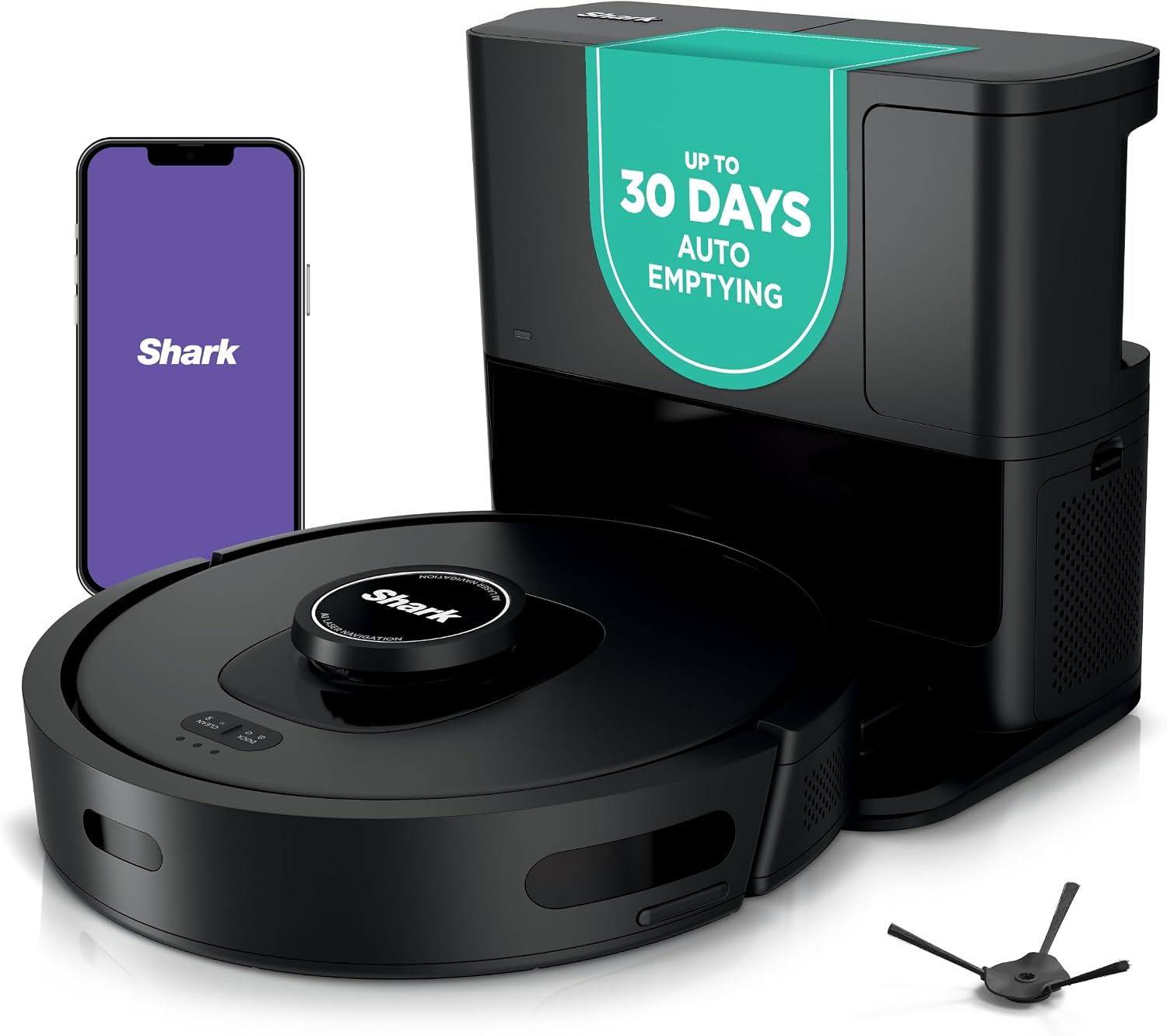
The Shark AV2501S combines 360-degree LiDAR home mapping with a 30-day HEPA bagless self-empty base. It also includes a self-cleaning brushroll and Wi-Fi controls, so several recurring floor-cleaning tasks can be automated in one system. Those features are useful only when they solve chores the household actually repeats.
Check On AmazonIf you click this link and buy, we earn a commission at no additional cost to you.
Know when a manually operated vacuum still matters
A robot and a manually operated vacuum overlap on floors, but they distribute work differently. The robot trades direct control for repeatable automation, while a manual machine lets you choose the exact path, tool, and problem area in real time. That makes the robot attractive for frequent maintenance across reachable floor area, not automatically better for every cleaning session. Stairs, upholstery, concentrated debris, and many above-floor jobs still favor manual control.
The practical comparison is therefore about which work you want to hand off. If scheduled floor coverage is the burden, autonomy matters; if you need immediate control over a specific mess, a manual machine can be simpler. The full trade-off is covered in robot vacuum versus regular vacuum use. Many households will reasonably keep both because they remove different kinds of effort.
- Favor the robot role for repeated reachable-floor maintenance.
- Favor manual control for stairs, upholstery, concentrated messes, and awkward areas.
- Expect some overlap when carpets still need occasional deeper cleaning.
- Do not call the robot a replacement until you list the jobs another tool must still do.
This boundary protects the budget as well as the cleaning routine. More automation cannot make a floor robot clean stairs. It cannot turn the machine into an upholstery tool either. Spend on autonomy only where autonomy can reach the work.
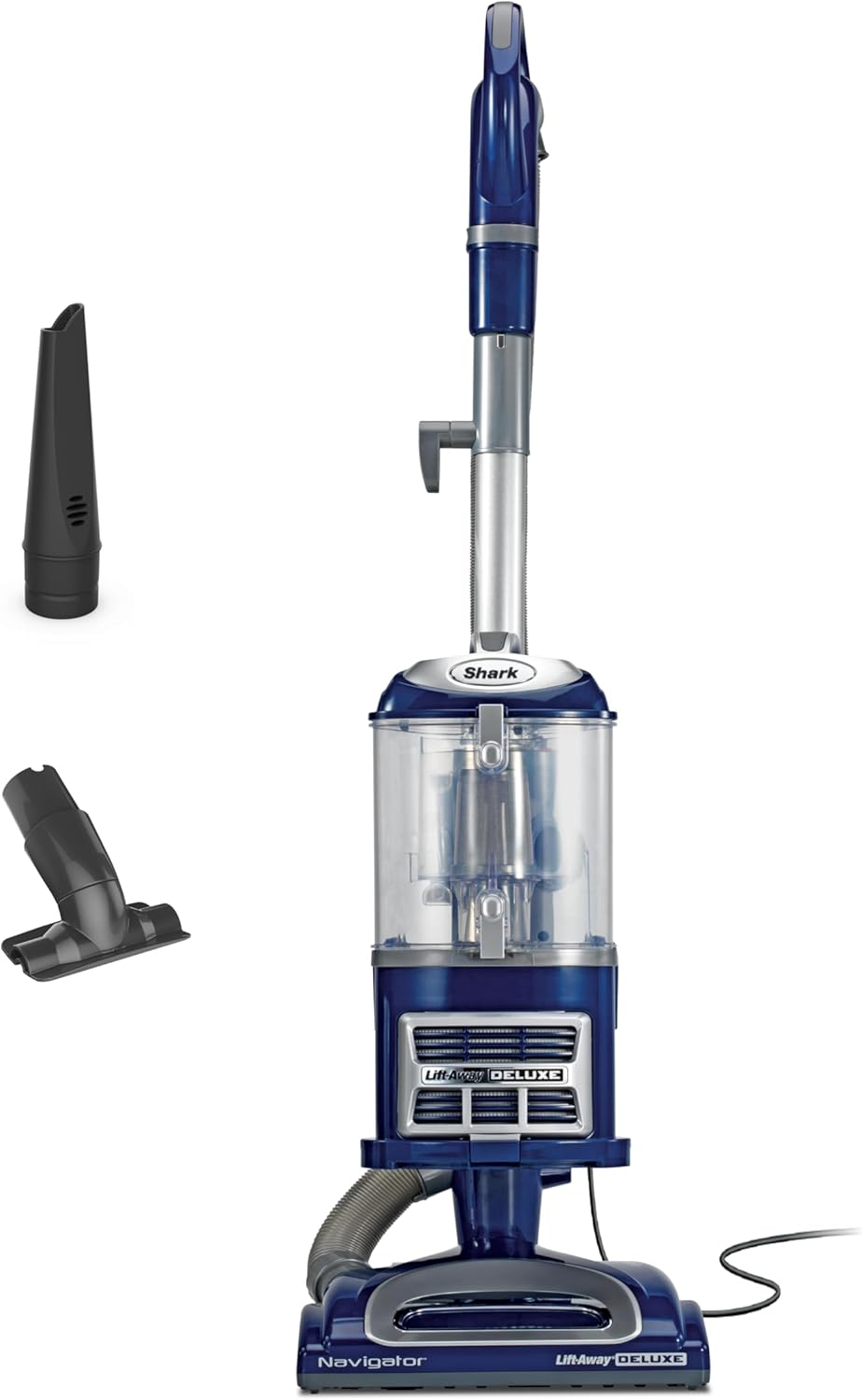
The Shark NV360 is a manually operated upright with a removable Lift-Away pod for more targeted cleaning. It supports carpet and hard-floor cleaning and includes upholstery and crevice tools, covering jobs a floor robot cannot reach. Swivel steering and brushroll shutoff provide direct control when the user needs to choose the exact path and surface.
Check On AmazonIf you click this link and buy, we earn a commission at no additional cost to you.

The eufy E25 pairs AI obstacle avoidance with an extendable side brush and edge-to-corner cleaning. Its HydroJet roller mop and zero-tangle design add cleaning hardware beyond the sensing system, which helps keep navigation and cleaning performance as separate buying checks. The all-in-one station supports the broader automated floor-care workflow.
Check On AmazonIf you click this link and buy, we earn a commission at no additional cost to you.
A saved map does not solve a multi-story home
Multi-floor mapping can remember layouts, but it does not move the robot between levels. If the dock stays downstairs, somebody may still need to carry the robot upstairs, start the correct floor routine, and bring it back for charging, emptying, mop washing, or water service. A large service dock is even less portable, which makes the placement decision more important than the number of maps stored in an app. This is a workflow problem disguised as a software feature.
Before paying for extra map capacity, decide which floors need frequent autonomous cleaning and where the robot can realistically live. One robot may be reasonable when the second floor needs only occasional maintenance and carrying is easy. Separate equipment may make more sense when both levels need frequent scheduled cleaning and you want automation without moving hardware. The dedicated robot vacuum setup for multiple floors walks through that carrying, mapping, and dock trade-off.

The dreame L10s Ultra supports multiple maps for multi-floor houses and uses AI navigation for route planning. Its base can self-empty, refill water, and clean and dry mop pads, making the physical dock an important part of the workflow. The mapping capability can remember floors, but the robot and service base still remain physical hardware that must be located somewhere.
Check On AmazonIf you click this link and buy, we earn a commission at no additional cost to you.
Physical transitions can stop an otherwise smart robot
A map can show the next room perfectly and still be useless if the chassis cannot cross the doorway. Raised thresholds, sliding-door tracks, thick rug edges, abrupt floor transitions, and changes in traction can interrupt an otherwise complete route. The relevant specification is the exact model’s documented obstacle or threshold capability, but real fit also depends on the shape and approach to the barrier. Measure the actual transition instead of relying on a generic assumption that robot vacuums can cross normal thresholds.
This is also where mopping hardware can change the fit because pads, rollers, lifting mechanisms, and underbody clearance occupy physical space. A robot that crosses one transition while vacuuming may behave differently when a mop assembly is attached or lowered, depending on design. Do not solve this by buying more suction or better mapping because neither changes a hard physical barrier. Use robot vacuum threshold height and transition fit when doorway lips or tracks are part of the home.

The DREAME X50 Ultra combines 360-degree navigation with a stated 2.36-inch, 6-centimeter obstacle-crossing capability for carpet transitions. It also includes obstacle avoidance, a detangling brush, and low-space cleaning features. That makes it a relevant example for checking physical transition capability separately from mapping or suction.
Check On AmazonIf you click this link and buy, we earn a commission at no additional cost to you.
Separate dust-bin automation from mopping automation
Dock features are easiest to understand as chores removed. A charging dock solves charging, a self-empty dock can reduce onboard-bin handling, and a more complex service dock may also wash mops, dry them, or transfer water. Those functions matter only when they remove tasks that repeat often enough in your home. A larger dock is not automatically a better dock.
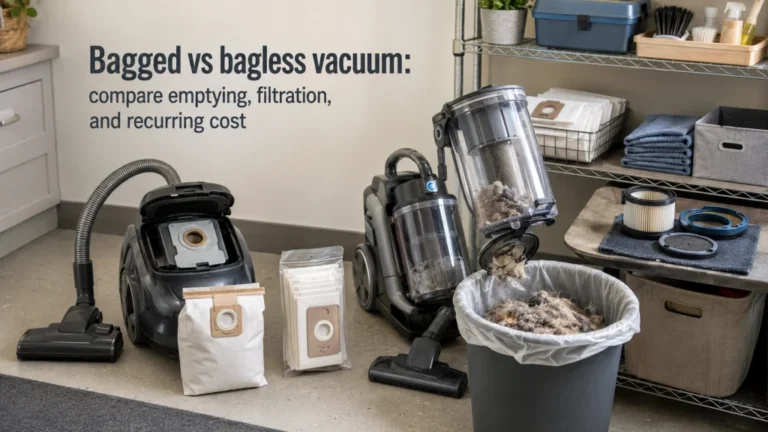
Automation usually moves work rather than deleting it. Dust may move into a larger bag or container, while mop water may move into clean and dirty tanks that still need attention. Filters, trays, brushes, bags, tanks, sensors, and mop parts can remain owner-maintained items according to the exact manual. Judge the dock by the chores it changes and the chores it creates.
| Dock level | Work it may reduce | Work that can remain |
|---|---|---|
| Charge only | Manual charging | Bin, brushes, filters, and mop care |
| Self-empty | Frequent onboard-bin emptying | Dock bag or container, filters, and tangles |
| Mop service | Some pad and water handling | Tanks, trays, filters, and consumables |
| Combined service | Several repeated tasks | All model-specific dock maintenance |
If debris emptying is your main annoyance, self-emptying may be enough. If mopping is the task you want to automate, evaluate that workflow separately. Use whether a self-emptying robot vacuum is worth the added dock for the dust-bin decision. Do not assume every large station solves the same household problem.

The roborock Q10 S5+ adds a 70-day self-emptying system to reduce frequent onboard-bin handling. Its sonic mopping and automatic mop lift are separate floor-cleaning functions rather than proof that the dock automates every mop chore. Obstacle avoidance and a dual anti-tangle design round out the system without changing that dust-bin-versus-mop distinction.
Check On AmazonIf you click this link and buy, we earn a commission at no additional cost to you.
Choose the mopping system around the floors you actually wet-clean
Robot mopping ranges from a pad that provides routine damp wiping to more active systems designed to apply movement or continuous surface contact. The important difference is not the marketing name but what the mop is expected to do in your home. Light dust on mostly hard flooring is a different workload from dried kitchen spots, frequent tracked-in soil, or mixed floors where carpet must stay dry. Decide the cleaning expectation first, then compare the mechanical system that tries to meet it.
Carpet boundaries deserve special attention because the robot must know when to avoid, lift, remove, or otherwise manage wet components according to its design. Never assume a vacuum-mop combination can safely wet-clean every hard floor or cross every rug without model-specific limits. Mop washing and drying can reduce handling, but they also add tanks, dock space, water management, and cleaning tasks. The dedicated robot vacuum mop systems comparison is the better place to choose among flat, spinning, roller, and other architectures.

The Qrevo Curv 2 Flow centers its wet-cleaning system on a SpiraFlow self-cleaning roller mop. Its dock heat-washes and dries the mop, while carpet-protection features address mixed-floor use. The listing also includes AI obstacle avoidance and dual zero-tangle hardware, so the mopping system can be considered alongside the rest of the robot rather than by a marketing label alone.
Check On AmazonIf you click this link and buy, we earn a commission at no additional cost to you.
Treat Pa as one specification, not a cleaning score
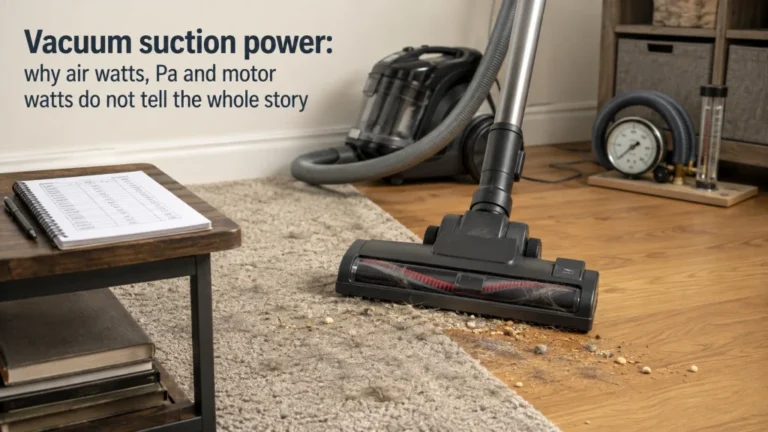
Published suction pressure is easy to compare because it is one number, but floor cleaning is a system result. Brush design, airflow, floor contact, debris size, carpet construction, navigation coverage, edge behavior, and cleaning mode all influence what reaches the bin. A higher Pa claim therefore does not prove that one robot will pick up more debris from your carpet, shed less hair around the brush, or finish a room with fewer missed areas. It is a specification to place beside performance evidence, not a shortcut around it.
Independent testing is valuable here because it can separate hard-floor debris pickup, carpet pickup, pet-hair behavior, navigation, obstacle handling, and mopping under disclosed conditions. That does not make every test universal, but it is more informative than ranking machines by a single manufacturer number. If suction is high on your list, check what was actually cleaned, on which surface, and under which mode. Keep the robot decision focused on whole-system performance instead of recreating a generic suction-power comparison that ignores autonomy.

The roborock Qrevo CurvX lists 22,000 Pa suction alongside an ultra-slim 3.14-inch body, zero-tangling hardware, and Reactive AI obstacle recognition. Its AdaptiLift chassis and automatic hot-water mop washing add more system behavior beyond the suction figure. That combination is a good reminder to treat Pa as one specification within total cleaning and navigation performance.
Check On AmazonIf you click this link and buy, we earn a commission at no additional cost to you.
Measure the robot and dock before you compare price
Robot body height decides which furniture it can enter, while width and shape affect tight spaces and turning room. The dock creates a second fit problem because it needs a permanent location with power, a clear approach path, and enough access for whatever the owner must remove, refill, wash, or replace. A dock that technically fits between two cabinets can still be frustrating if a water tank cannot lift out or a lid cannot open. Measure service access, not just the rectangle on the floor.
Put the dock where the routine will actually support it. A water-handling station hidden far from a sink may turn every refill and dirty-water trip into a carrying chore, while a dust-only dock may have much simpler placement needs. Check cord routing and the manufacturer’s required clearances for the exact model instead of assuming all docks can be squeezed into the same corner. Price comparison should come after these physical checks because an expensive automation feature has little value when its station is awkward to own.

A 165-foot green-beam laser distance measure designed for fast indoor and jobsite measurements. The bright green laser improves visibility compared with standard red beams, while the color display keeps readings easy to check. It supports straightforward distance measuring in a compact handheld format and provides a longer working range than the Bosch GLM100-23 it replaces.
Check On AmazonIf you click this link and buy, we earn a commission at no additional cost to you.
Maintenance decides how hands-off the system feels
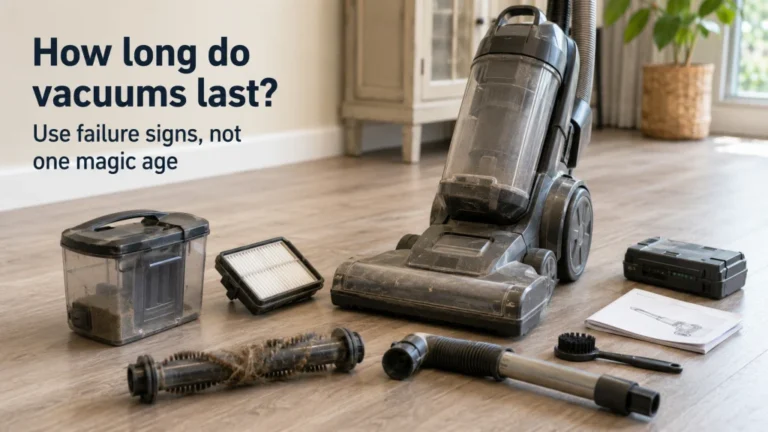
A robot that cleans frequently also encounters hair, dust, fibers, and debris frequently. Main brushes, side brushes, wheels, filters, sensors, bins, mop parts, and dock components can all need inspection or cleaning, with the exact schedule defined by the model and workload. Pet hair can shift the burden toward brush tangles and bin capacity, while mopping adds pad, water, odor, and dock-cleaning concerns. A low-intervention robot is therefore one whose maintenance pattern fits your household, not one that claims to be maintenance-free.
Before buying, read the maintenance section of the manual for the exact system and note which parts are washable, replaceable, disposable, or service-only. Also check whether recurring bags, filters, mop pads, brushes, or cleaning supplies create a cost or storage burden you care about. Use how to clean a robot vacuum for routine owner maintenance, and use how long robot vacuums last when the question is whether an aging machine should be maintained, serviced, or replaced. Damaged cords, overheating, burning odors, exposed wiring, liquid entering electrical areas, or other electrical faults belong with the exact manufacturer instructions and qualified service rather than DIY internal repair.

These authentic iRobot dirt-disposal bags are a three-pack for specified Roomba Clean Base models, including i1+, i3+, i4+, i5+, i7+, i8+, Combo j8+, and j9+. They are a concrete example of the recurring consumables that can remain even with self-emptying automation. Checking exact model compatibility before buying keeps maintenance costs and storage needs tied to the actual system.
Check On AmazonIf you click this link and buy, we earn a commission at no additional cost to you.
Decide how much app dependence you are willing to accept
Apps can make room cleaning, schedules, maps, no-go zones, mop settings, and maintenance reminders easier, but the amount of control available without an account or network connection varies. Separate the controls needed for basic cleaning from the controls that only make the system more convenient. A robot may still start, pause, return to its dock, or run a basic cycle from physical buttons while advanced room selection, map editing, schedules, or cleaning preferences remain app-only, depending on the exact model. Check those functions individually before assuming that basic operation and advanced automation have the same connectivity requirements.
That distinction matters if you have weak Wi-Fi, dislike cloud dependence, or want the robot to remain useful when an app or account is unavailable. Camera-equipped or networked robots add a separate data-handling decision, especially when mapping, remote viewing, microphones, or cloud features are involved. The detailed offline-use decision belongs in using a robot vacuum without Wi-Fi, while data collection and connected sensing belong in robot vacuum privacy. Connectivity is part of household fit, not a bonus checkbox that every buyer values equally.

The dreame D20 Pro Plus supports app and voice control, and the listing specifies 2.4G Wi-Fi for U.S. use. It also works with Alexa, Apple Siri, and Google Home for cleaning commands and settings. Those connected controls make it a useful example for deciding how much network and app dependence the household is willing to accept.
Check On AmazonIf you click this link and buy, we earn a commission at no additional cost to you.
Use current recommendations only after the home requirements are fixed
Current model lists are useful only after you can describe the house in plain language. You should already know the floor mix, clutter level, number of floors, threshold problems, mopping expectation, dock space, maintenance tolerance, connectivity preference, and whether pets change the hair workload. That turns a ranking into a shortlist instead of letting the ranking define your needs. That is how to choose a robot vacuum without paying for features that solve the wrong problem.
Use current broad robot vacuum recommendations when vacuuming is the main job, current robot vacuum and mop combinations when wet cleaning is central, or current robot vacuums for pet hair when shedding dominates the workload. Those pages answer the shopping question that this article intentionally does not. Arrive there with requirements, not with a favorite feature label. That is the cleanest way to compare current choices without overbuying.
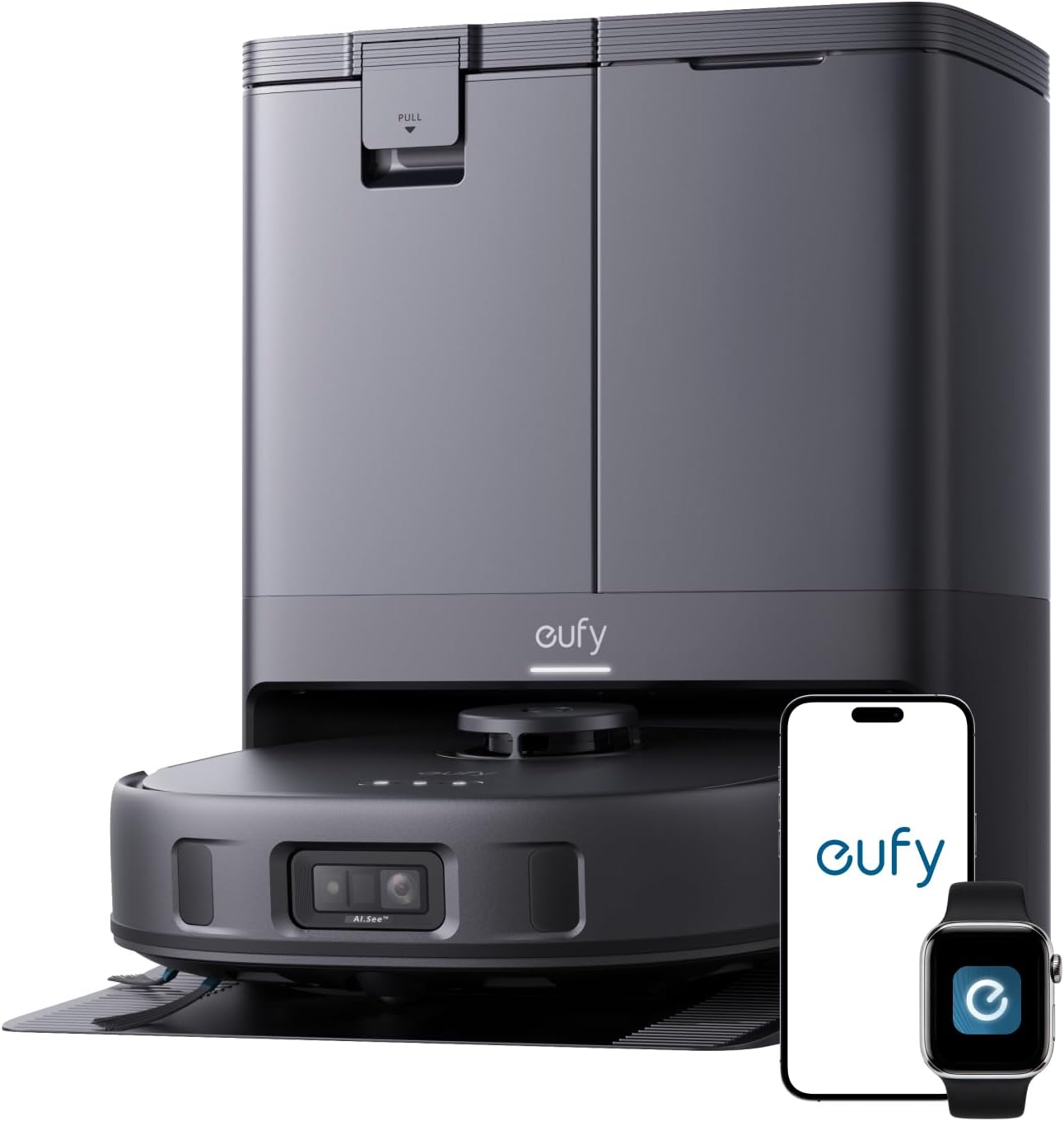
The eufy X10 Pro Omni combines dual mops with 12-millimeter auto-lift, carpet detection, and AI obstacle avoidance. Its station supports self-emptying as well as automatic mop washing and drying. It is a useful current shortlist candidate only after the household has already decided that those floor, obstacle, mopping, and dock functions match its requirements.
Check On AmazonIf you click this link and buy, we earn a commission at no additional cost to you.
Final Thoughts: choose the robot that removes the interventions you repeat
The right robot is not the one with the longest feature list. It is the one that can reach the floors you want cleaned, handle your clutter and transitions, fit its permanent dock location, and reduce chores that repeat. Navigation, obstacle avoidance, mopping, self-emptying, and app controls are valuable only when they solve one of those constraints. Keep the home requirements fixed while the product list changes.
Before buying, measure the route and dock space, define the floor and mop workload, and list the interventions you want to eliminate. Then read the exact maintenance and connectivity requirements and compare independent performance tests. A simpler system that fits the routine can beat premium automation that creates new handling or maintenance. Use that standard for every robot you consider.

The DREAME L50 Ultra combines an all-in-one station with self-emptying and mop self-cleaning. Its listing also highlights avoidance of 180 object types, 19,500 Pa suction, a detangling DuoBrush, and extending edge-cleaning hardware. It is a broad system to evaluate by the interventions it removes rather than by any single premium feature.
Check On AmazonIf you click this link and buy, we earn a commission at no additional cost to you.
Explore each robot vacuum decision in more detail
Use the next article only for the part of the decision that is still unresolved. The table separates buying thresholds, navigation questions, physical-fit problems, maintenance, connectivity, and current shopping into their own paths. That prevents one broad comparison from being repeated under slightly different feature labels. Start with the row that matches the constraint you still cannot answer from your own home requirements.
| Topic | What you’ll find |
|---|---|
| Are robot vacuums worth it? | Decide whether autonomous cleaning removes enough recurring work. |
| Robot vacuum vs regular vacuum | Compare automation, direct control, and the jobs each leaves. |
| LiDAR vs camera robot vacuum | Compare sensing around mapping, obstacles, lighting, and fit. |
| Robot vacuum mapping | Understand saved maps, room controls, zones, and boundaries. |
| Robot vacuum obstacle avoidance | Focus on cords, toys, pet items, and intervention risk. |
| Robot vacuum for multiple floors | Work through maps, carrying, docks, and multi-level use. |
| Robot vacuum threshold height | Measure doorway lips, tracks, rug edges, and transitions. |
| Is a self-emptying robot vacuum worth it? | Compare bin handling, dock size, consumables, and maintenance. |
| Robot vacuum mop systems | Compare mop systems, carpet boundaries, washing, and water work. |
| How to clean a robot vacuum | Handle owner-level cleaning of key robot and dock parts. |
| How long do robot vacuums last? | Separate maintenance, battery aging, service, and replacement. |
| Robot vacuum without Wi-Fi | Check controls that work without continuous connectivity. |
| Robot vacuum privacy | Evaluate mapping, cameras, cloud features, and data choices. |
| Best robot vacuums | Compare current choices after your requirements are fixed. |
| Best robot vacuum and mop combo | Compare current choices when vacuuming and mopping are both central. |
| Best robot vacuum for pet hair | Focus shopping on shedding, tangles, bins, floors, and intervention. |
Once that unresolved question is answered, return to the requirements you wrote down before shopping. Do not add another comparison merely because a more expensive robot introduces another feature to consider. If the floor, route, dock, maintenance, and connectivity needs are already settled, move to the appropriate current-recommendation page and compare only models that pass those gates. The purpose of this directory is to shorten the decision, not create more tabs.

The dreame Matrix10 Ultra combines LDS-based obstacle avoidance with a multi-mop switching dock for different surfaces. Its listing also highlights low-profile cleaning, thermo mopping, and a self-cleaning dock. That mix makes it a broad current-system example once the home's floor, route, dock, and maintenance requirements have already been defined.
Check On AmazonIf you click this link and buy, we earn a commission at no additional cost to you.
FAQs
🧭 What matters most when choosing a robot vacuum?
Start with floor mix, clutter, transitions, number of levels, and how much intervention you will tolerate. Then choose navigation, obstacle handling, mopping, and dock features that solve those constraints.
🧹 Can a robot vacuum replace my regular vacuum?
It can replace much routine reachable-floor maintenance in the right home, but it cannot clean stairs, upholstery, or every concentrated mess. List the jobs that remain before treating it as a full replacement.
🧦 Does obstacle avoidance mean I can leave cords and toys on the floor?
No. Obstacle systems vary, and no label proves perfect handling of every low, reflective, moving, or unusual object. Independent tests and realistic floor preparation are more useful than assuming clutter is harmless.
💧 Is a robot vacuum-mop worth paying more for?
It can be when hard-floor mopping is frequent enough to justify the extra hardware and maintenance. Match the mop system to your floors, carpet boundaries, water-handling tolerance, and dock space.
References and Sources
- RTINGS obstacle avoidance testing: Supports separating obstacle handling from broader navigation.
- Vacuum Wars robot vacuum buyer testing: Supports evaluating cleaning, navigation, obstacles, mopping, and mobility separately.
- ECOVACS threshold guidance: Supports measuring transitions and checking model-specific crossing capability.
- Roborock maintenance instructions: Shows model-specific maintenance for robot and dock components.