A robot vacuum map is useful when it becomes a control layer, not just a picture of the floor plan. Saved rooms, zones, no-go boundaries, no-mop areas, and routines can reduce repeated setup, but they do not prove that the robot can recognize every cord, toy, or small obstacle. The practical buying question is whether the mapping features match the way your household actually cleans. By the end, you should know which map controls matter, which limits are model-specific, and when another robot-vacuum feature deserves more attention.
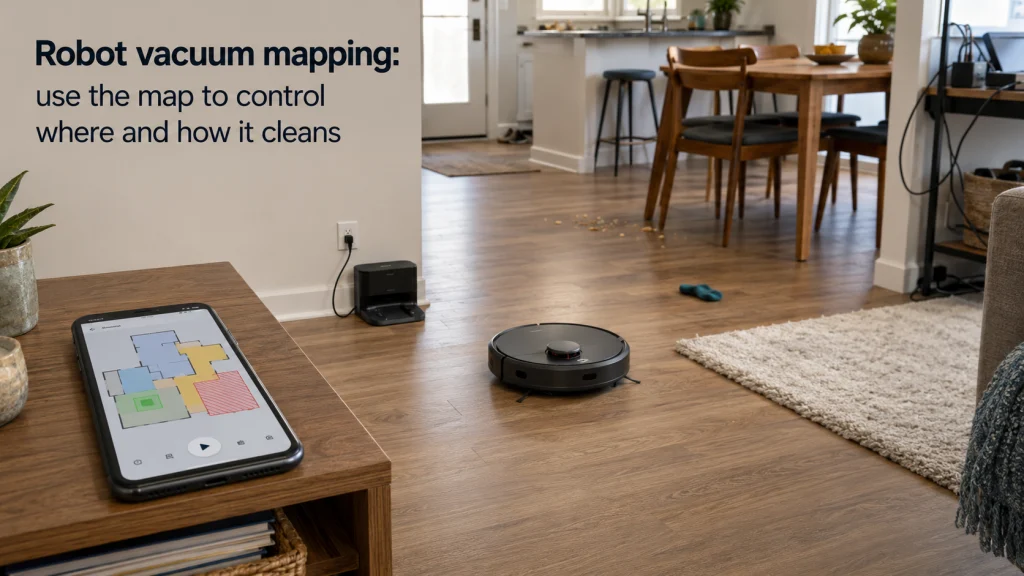
A saved map matters when it changes what the robot can do
Robot vacuum mapping earns its keep when the map saves you from repeating the same instructions before every run. A colorful floor plan in an app may look impressive, but the useful part is being able to tell the robot to clean the kitchen, skip a rug, target the entryway, or respect the same boundary again without rebuilding the job from scratch. That turns the map from a display into a household control layer. If your routine is mostly whole-home cleaning with little need for room targeting or permanent boundaries, advanced map editing may matter less than the marketing suggests.
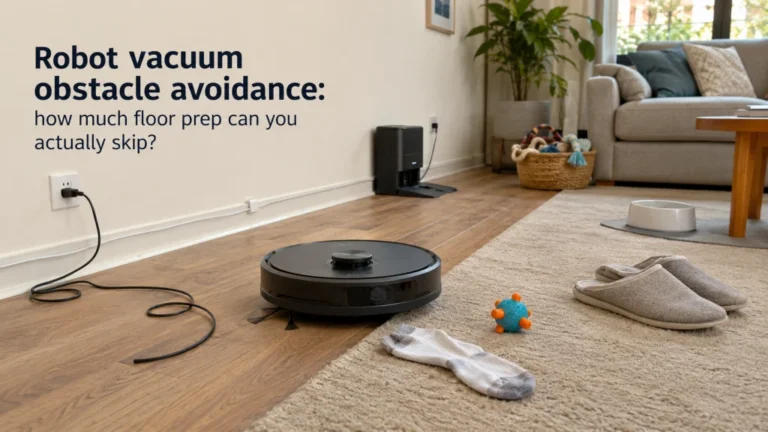
The first-time buyer misunderstanding is assuming that a detailed map means the robot understands every object inside that map. It does not. A robot can know the geometry of a room well enough to navigate efficiently while still missing a loose cable, sock, pet toy, or other small object in its path. That distinction should shape both shopping and setup, because a good map can reduce repeated supervision without eliminating floor preparation. The rest of the decision is therefore about what the saved map lets you control, not how attractive the screenshot looks.

Roborock QV 35A uses PreciSense LiDAR to create detailed maps and supports multi-floor mapping for up to four floors. Roborock SmartPlan can tailor cleaning by room and floor type in the app. The robot also combines 8,000Pa suction with structured-light obstacle avoidance and an all-in-one dock.
Check On AmazonIf you click this link and buy, we earn a commission at no additional cost to you.

Roborock Q10 S5+ pairs PreciSense LiDAR mapping with Reactive Tech obstacle avoidance, keeping navigation and object handling as separate functions. The Roborock app can target selected rooms and schedules. Its 10,000Pa suction, VibraRise 2.0 mopping, and auto-empty dock cover the core cleaning workflow.
Check On AmazonIf you click this link and buy, we earn a commission at no additional cost to you.
What a saved map changes compared with real-time navigation
A robot that can navigate in real time may still clean in an organized pattern, return to its dock, and avoid repeatedly covering the same floor. A saved map adds a different kind of value because it gives the household a persistent reference for future instructions. Instead of saying only “clean now,” the app may let you choose a previously identified room, draw a repeatable boundary, or build a routine around a familiar area. The exact controls vary by brand and model, so the useful question is which instructions remain available after the first mapping run.
That persistence matters most in homes where cleaning needs are uneven. The kitchen may need attention more often than a guest room, an entryway may collect grit faster than the rest of the floor, and a carpeted room may need different treatment from nearby hard flooring. Robot vacuum smart mapping can reduce the friction of making those distinctions repeatedly, but only if the app stores the controls you actually use. A buyer who never selects individual rooms or zones may get little practical return from an elaborate editing system.
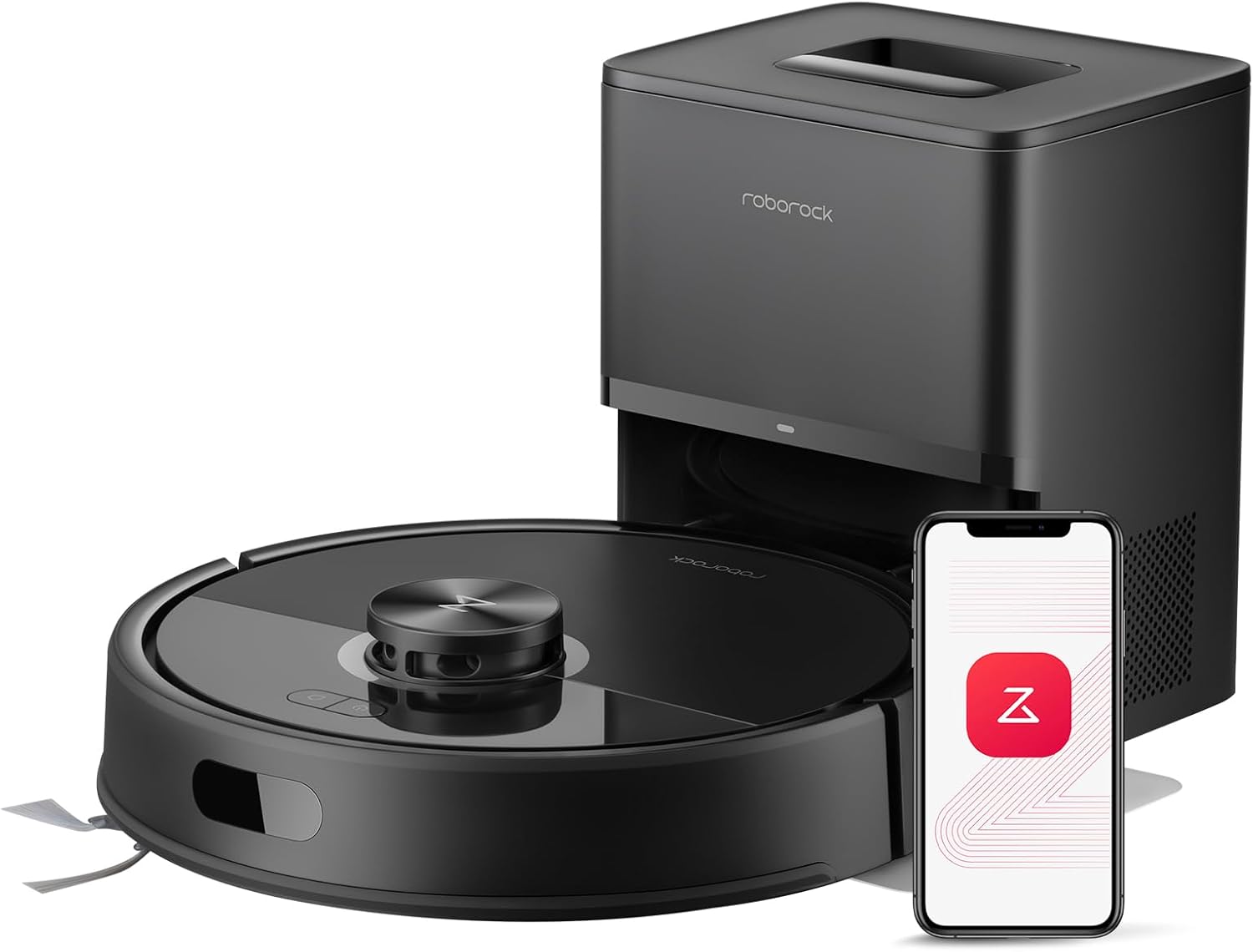
Roborock Q7 M5+ supports multi-level mapping, scheduled cleaning, and app-set no-go zones for repeatable control after the home is mapped. PreciSense LiDAR provides the navigation layer. The robot also offers 10,000Pa suction, dual anti-tangle brushes, and an auto-empty dock.
Check On AmazonIf you click this link and buy, we earn a commission at no additional cost to you.
Use room labels and room splits to match real cleaning routines
Automatic room detection is a starting point, not always the final layout you want to use. Open-plan spaces are the obvious example: the robot may see one large continuous area while the household thinks of it as a kitchen, dining area, and living room with different cleaning needs. On systems that support room editing, dividing or merging areas can make those everyday distinctions usable. Room labels then turn the edited map into something you can recognize quickly instead of a patchwork of anonymous shapes.
The practical test for robot vacuum room mapping is whether the room boundaries match how you issue cleaning instructions. If you regularly want only the kitchen cleaned after cooking, separating that space from the adjoining living area can remove several taps and avoid unnecessary whole-room cleaning. If two automatically divided areas are always cleaned together, merging them may make the map simpler rather than less sophisticated. The goal is not to make the digital floor plan architecturally perfect; it is to make the map reflect the household’s recurring cleaning decisions.

eufy E25 supports multi-floor map saving and customized room cleaning through the eufy app. Map Management can store up to five maps, while app controls include no-go zones and personalized cleaning settings. The robot also combines 20,000Pa suction, a HydroJet roller mop, AI obstacle avoidance, and an all-in-one station.
Check On AmazonIf you click this link and buy, we earn a commission at no additional cost to you.
Use zone cleaning for recurring messes smaller than a room
Room control is still too broad for some jobs. Crumbs may collect under a dining table, tracked dirt may stay near an exterior door, and pet litter may concentrate around one small area rather than an entire room. Zone cleaning is useful when the mess has a repeatable location but does not justify cleaning the whole mapped space. In current Roborock app documentation and independent app coverage, a zone is treated as a user-selected area on the map, distinct from full-home or room cleaning.
That distinction can make automation feel more deliberate rather than simply more frequent. A small high-traffic zone can be cleaned more often without sending the robot through quiet bedrooms or low-use spaces every time. The trade-off is that zone controls are only useful if the map stays aligned closely enough with the physical layout, especially around narrow targets and furniture edges. Use zones for repeatable cleaning targets, not as a substitute for checking whether the robot can physically reach the area without getting trapped or dragging nearby objects.

Roborock Qrevo S5V uses PreciSense LiDAR to create detailed maps and can recognize maps for up to four floors. Its app supports no-go controls, carpet strategies, and temporary cleaning for targeted jobs. The robot adds 12,000Pa suction, dual zero-tangle brushes, and a self-emptying multifunction dock.
Check On AmazonIf you click this link and buy, we earn a commission at no additional cost to you.
Treat no-go, virtual-wall, and no-mop zones as repeatable boundaries
Robot vacuum no go zones are most useful for places you repeatedly want the machine to avoid, such as a cable-heavy desk area, a low piece of furniture where it gets stuck, or a section that is temporarily incompatible with the current cleaning mode. A virtual wall is usually better suited to a line across a doorway or passage, while a no-go zone generally covers an area. On compatible vacuum-and-mop systems, a no-mop zone can keep the robot from entering a mapped area while the mop setup is active. The exact behavior and available boundary types depend on the model and app.
These controls should be treated as cleaning preferences, not as the household’s only safety barrier. Roborock’s S7 documentation explicitly states that its in-app no-go zones, no-mop zones, and invisible walls are for customizing the cleaning area and should not be used to isolate hazards. That is a useful evidence boundary even if you own another brand: check the exact manual before relying on a virtual boundary near stairs, drops, water, fragile items, or anything that could create a safety problem. A map can reduce repeated intervention, but it should not replace the robot’s built-in safety systems or reasonable physical preparation.
| Map control | Best household use | What it should not replace |
|---|---|---|
| No-go zone | Repeatably exclude an area the robot should not enter during normal cleaning | Physical hazard control or obstacle detection |
| Virtual wall | Block a doorway, passage, or straight boundary without closing a physical door | A guaranteed barrier for a safety-critical edge |
| No-mop zone | Keep a compatible mopping setup away from a mapped surface or area | Verification of how the exact model handles carpet and mop lifting |
| Cleaning zone | Target a recurring mess smaller than a room | Checking that the robot can physically reach and exit the area |
The table is most useful as a role check. If you are asking one boundary feature to solve a different problem, such as expecting a no-go box to identify every cord outside that box, the setup is already doing too much work. Keep map controls tied to repeatable location-based instructions. Let object handling, cliff detection, and other sensor systems handle the jobs they were designed to perform.

Roborock Qrevo Curv 2 Flow combines PreciSense LiDAR smart mapping with Smart No-Go zones and multi-level mapping for up to four floors. SmartPlan 3.0 can schedule cleaning and set no-go zones through the Roborock app. It also uses 20,000Pa suction and a real-time self-cleaning roller mop.
Check On AmazonIf you click this link and buy, we earn a commission at no additional cost to you.
Expect map accuracy to change when the physical layout changes
A saved map is not independent of the home it represents. Large furniture moves, closed doors during mapping, reflective surfaces, or a major change in the dock location can alter what the robot sees and how it localizes itself. Small everyday changes may be handled without drama on some systems, while bigger changes can lead to odd room divisions, shifted boundaries, or a map that no longer matches the space well enough for precise zone work. That is why map editing and map rebuilding should be treated as normal ownership tools, not signs that the robot has necessarily failed.
Dock placement deserves special attention because the dock often acts as an important reference point for starting, returning, and localizing. Manufacturer support guidance commonly tells owners to create or update maps from a stable starting setup and to keep wanted rooms accessible during the mapping run. If a map becomes obviously wrong after a major layout change, first check whether the app offers room editing, map backup, restore, or remapping before erasing everything. Resetting the map may be appropriate, but it should be the later option because a rebuild can also mean recreating room names, boundaries, and routines.
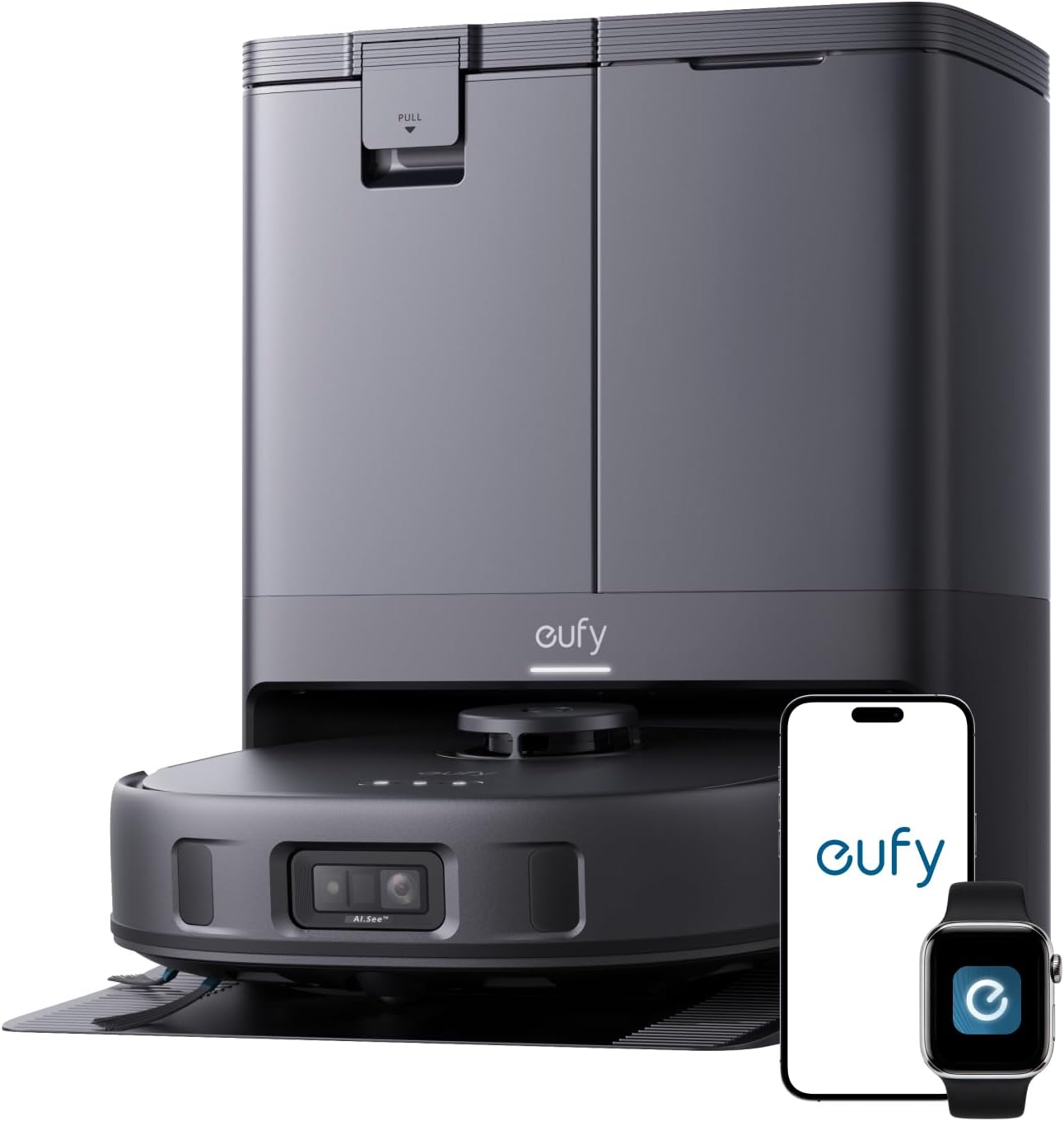
eufy X10 Pro Omni uses Quick Mapping to create a cleaning map before its first cleaning cycle. The eufy Clean app supports No-Go and No-Mop zones, and eufy documents remapping when major environmental changes cause a map mismatch. The robot also provides 8,000Pa suction, AI obstacle avoidance, and an Omni station with mop washing, drying, and self-emptying.
Check On AmazonIf you click this link and buy, we earn a commission at no additional cost to you.
Keep map limits and backup behavior model-specific
There is no safe universal number for how many maps, rooms, zones, saved routines, or editable boundaries every robot vacuum supports. Even within one brand, map features can differ by model, firmware, app version, and whether multi-floor mode is enabled. Roborock’s own support pages illustrate this clearly: older models have different saved-map behavior, while newer systems may expose broader map management and routine controls. Treat any fixed number you see in a buying article as a specification that needs to match the exact model you are considering.
The same rule applies to backup and recovery. Some apps let you restore a saved map, some may update maps after cleaning, and others may require a new mapping run when the layout becomes unusable. Before paying more for advanced mapping, open the manufacturer’s current support material and confirm the controls that matter to you rather than assuming the brand name guarantees them. This is one of the clearest places where the broader robot vacuum buying guide principle applies: buy the feature behavior your routine needs, not the longest feature list.

Roborock Qrevo Curv S5X lets the Roborock app manage maps, set No-Go Zones, and draw Invisible Walls. Roborock SmartPlan adjusts cleaning settings around habits, room types, and floor materials. The robot also combines 18,500Pa suction, Reactive Tech obstacle avoidance, and up to 10 weeks of self-emptying.
Check On AmazonIf you click this link and buy, we earn a commission at no additional cost to you.
Multi-floor maps solve memory, not the carrying workflow
Saving more than one floor map can be valuable in a multi-story home because the robot does not have to treat every level as an unfamiliar layout. On supported systems, separate maps can preserve room divisions and cleaning controls for different floors. That solves a map-memory problem, but it does not automatically solve how the robot, dock, water system, or self-emptying workflow moves between levels. A sophisticated multi-floor map can still leave the owner carrying the machine and managing charging or dock access manually.
That is why multiple-story ownership deserves its own decision rather than being folded into mapping quality. If you are choosing one robot for several levels, evaluate the carrying burden, where the dock stays, whether the robot can recognize the correct floor, and what functions are unavailable away from the dock. The full workflow is covered in robot vacuum for multiple floors. For this article, the key point is simpler: multiple saved maps can reduce repeated setup, but they do not make stairs or dock logistics disappear.

DREAME L40 Ultra Gen 2 maps up to four floors and adapts routes to each floor's layout. The Dreamehome app can set no-go zones, while 3DAdapt obstacle avoidance handles nearby hazards separately. The robot also provides 25,000Pa suction, app control, and an all-in-one self-emptying and cleaning dock.
Check On AmazonIf you click this link and buy, we earn a commission at no additional cost to you.
Use the map checklist to route the rest of the buying decision
Once the mapping controls on your shortlist match the jobs you want to automate, stop asking the map to settle unrelated buying questions. A home with mostly clear floors may be well served by strong room selection, zone cleaning, and reliable saved boundaries even if advanced small-object recognition is not the priority. A home where cords, toys, or pet items are routinely left out has a different bottleneck, so obstacle handling deserves its own comparison. This keeps the purchase decision tied to the work that actually creates intervention in your household.
Sensor choice should be routed the same way. If you are comparing how different sensing approaches build and navigate the home, use the LiDAR vs camera robot vacuum comparison rather than using a polished map as a proxy for sensor quality. If floor clutter is the recurring problem, evaluate robot vacuum obstacle avoidance separately and look for evidence that matches the kinds of objects your home actually leaves in the robot’s path. Mapping should earn its place by saving room, zone, and boundary instructions; the rest of the shortlist should be judged by the separate job each feature is meant to solve.

MOVA P10 Pro Ultra pairs 360-degree obstacle avoidance with voice and app control for homes where object handling matters alongside mapping. It provides 13,000Pa suction and dual spinning extendable mops. Its dock supports 140°F water washing and drying, while the mops can lift 10.5mm for carpet.
Check On AmazonIf you click this link and buy, we earn a commission at no additional cost to you.
Build a mapping-feature checklist around repeated household work
The easiest way to evaluate mapping is to list the instructions you expect to repeat every week and see whether the robot can store them cleanly. A premium map system is easier to justify when it removes real supervision, such as repeatedly closing off the same area, redrawing a target zone, or manually sending the robot back to a high-traffic room. If your routine is mostly one-button whole-home cleaning on an uncluttered floor, advanced editing may be a lower priority than pickup, brush design, dock maintenance, or price. The map should earn its complexity by reducing work.
- Confirm that the robot can save the number of floor maps your home actually needs.
- Check whether rooms can be divided, merged, and renamed when automatic segmentation does not match the layout.
- Verify room cleaning and zone cleaning separately if you expect to use both.
- Check for no-go, virtual-wall, and no-mop controls only if those boundaries solve recurring household problems.
- Confirm how map backup, restore, reset, and remapping work before assuming edits are permanent.
- Check whether routines or schedules can target the rooms or zones you care about.
- Keep obstacle avoidance and stair safety as separate checks instead of assuming the map handles them.
A useful shortlist usually becomes smaller after this exercise. One household may need editable rooms and targeted kitchen routines but have no use for multiple floor maps, while another may care far more about multi-level memory and simple room selection. Neither needs every available map feature. The right mapping package is the one that saves repeated instructions without adding app complexity you will never use.

DREAME L10s Ultra Gen 2 combines 10,000Pa suction, MopExtend technology, and smart obstacle avoidance. Dreame support confirms that the robot can explore and update its map during all-area cleaning. Its all-in-one base station handles mop self-washing and drying plus up to 75 days of auto-emptying.
Check On AmazonIf you click this link and buy, we earn a commission at no additional cost to you.
Final thoughts: judge the map by the work it removes
A useful robot vacuum map should make routine cleaning more specific and less repetitive. Room labels, room splits, zones, and saved boundaries are valuable when they let you stop rebuilding the same instructions. A detailed floor plan, however, is not proof of strong small-object avoidance or perfect map stability. Judge the map by the household instructions it can preserve and repeat.
Before buying, verify the exact model’s editing, boundary, routine, and multi-map behavior. Then compare those controls with the way your household actually cleans, including which rooms need extra attention and which areas regularly need to be excluded. Keep obstacle handling, stair safety, and multi-floor carrying logistics as separate checks instead of asking the map to prove them. If you are still deciding where a robot fits among other home cleaning appliances, step back and compare the cleaning job before paying for advanced controls. If the mapping features do not remove recurring work, a simpler system may be enough.

Roborock Saros 10R uses the StarSight Autonomous System 2.0 for 3D navigation, mapping, and obstacle recognition. Roborock SmartPlan supports app-driven cleaning strategies, while voice controls can start room-specific cleaning. The robot also combines 22,000Pa suction, a 3.14-inch slim body, a zero-tangle system, and a self-cleaning dock.
Check On AmazonIf you click this link and buy, we earn a commission at no additional cost to you.
FAQs
🗺️ What does smart mapping actually let a robot vacuum do?
Depending on the model, a saved map may support room selection, zone cleaning, no-go boundaries, no-mop areas, schedules, and routines. Check the exact app and model because the available controls are not universal.
🚧 Are no-go zones the same as obstacle avoidance?
No. A no-go zone is a saved location-based instruction, while obstacle avoidance is the robot’s attempt to detect and react to objects in its path. One does not prove the quality of the other.
✂️ Can I split one open room into two cleaning areas?
Many mapping systems allow room division or merging, but the editing tools vary by model and app. Verify room editing if you need an open-plan kitchen and living area to behave like separate cleaning rooms.
🏠 Can one robot vacuum remember more than one floor?
Some models support multiple saved floor maps. That can preserve room and boundary settings, but you still need to check the carrying, charging, and dock workflow for each level.
🔄 When should I rebuild a robot vacuum map?
Consider remapping when major layout or dock changes leave the saved map clearly inaccurate and normal editing cannot fix it. Check for backup, restore, room editing, or map repair options first so you do not erase useful setup unnecessarily.
References and sources
- Roborock S7 manual: supports the boundary between cleaning-area controls and safety hazards, and notes that app functions can change.
- Roborock room cleaning support: documents saved-map room editing and selective room cleaning behavior on a supported model.
- Roborock routines support: documents routines that can target an area, room, or whole-home cleaning job.
- Vacuum Wars app guide: provides current independent coverage of room, zone, map-editing, boundary, and routine controls in the Roborock app.